
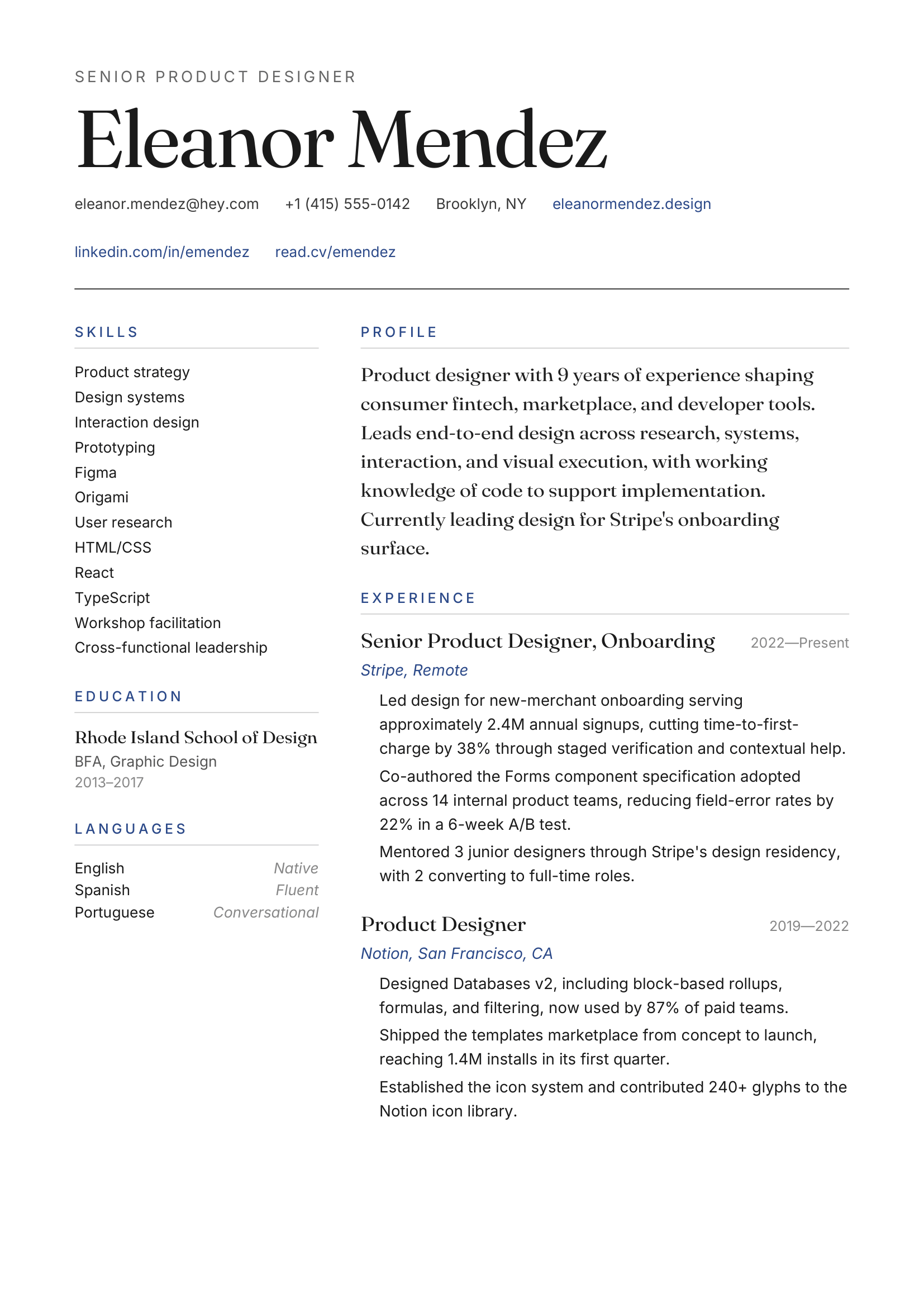
Atelier
Big serif name, hairline rules, generous margins.
Real ArcPixel templates
Compare 16 editable resume and CV templates, including single-column, two-column, academic, and visual layouts. Review ATS guidance before choosing and export when ready.
Big serif name, hairline rules, generous margins.
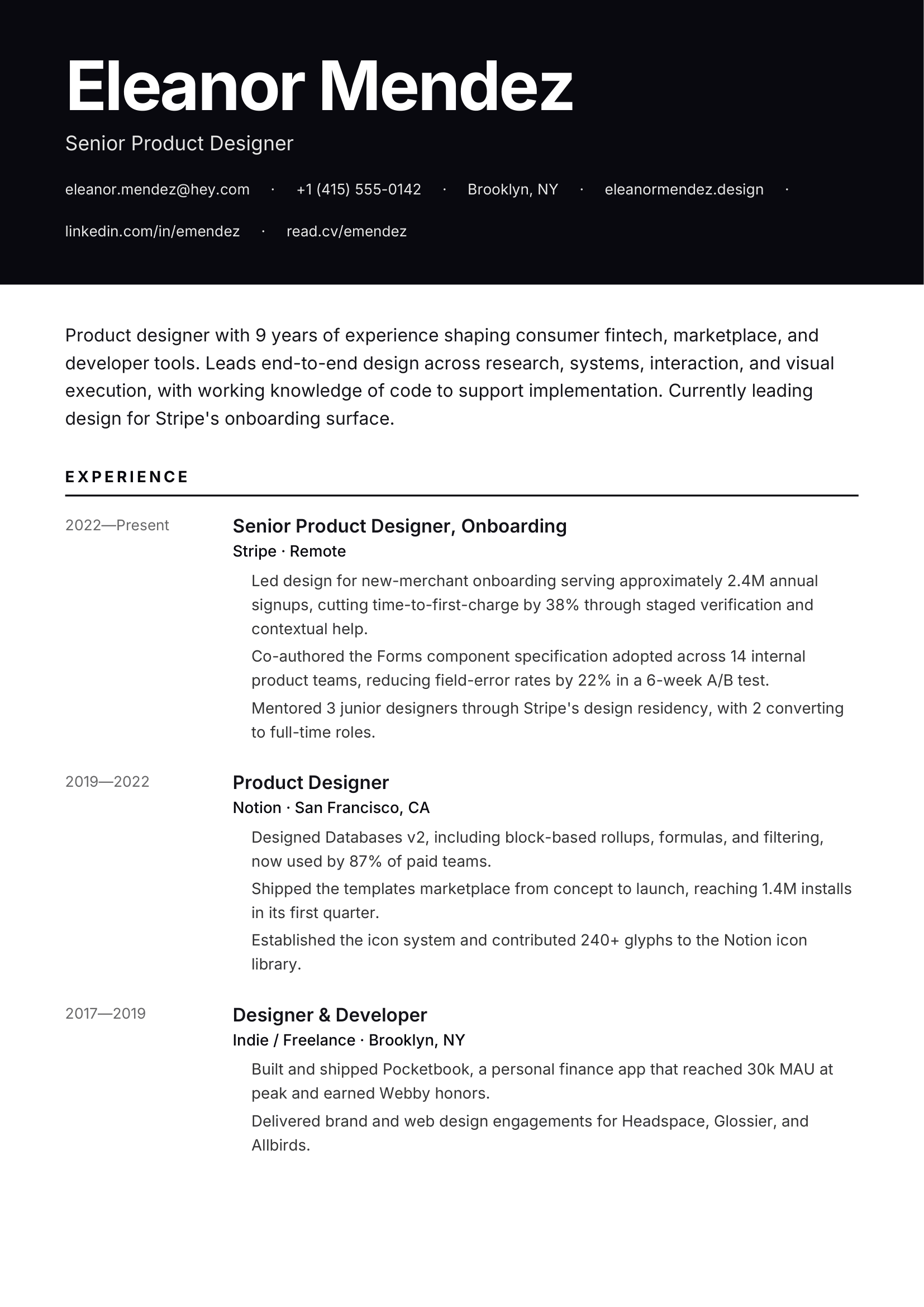
Full-bleed accent header, confident sans.
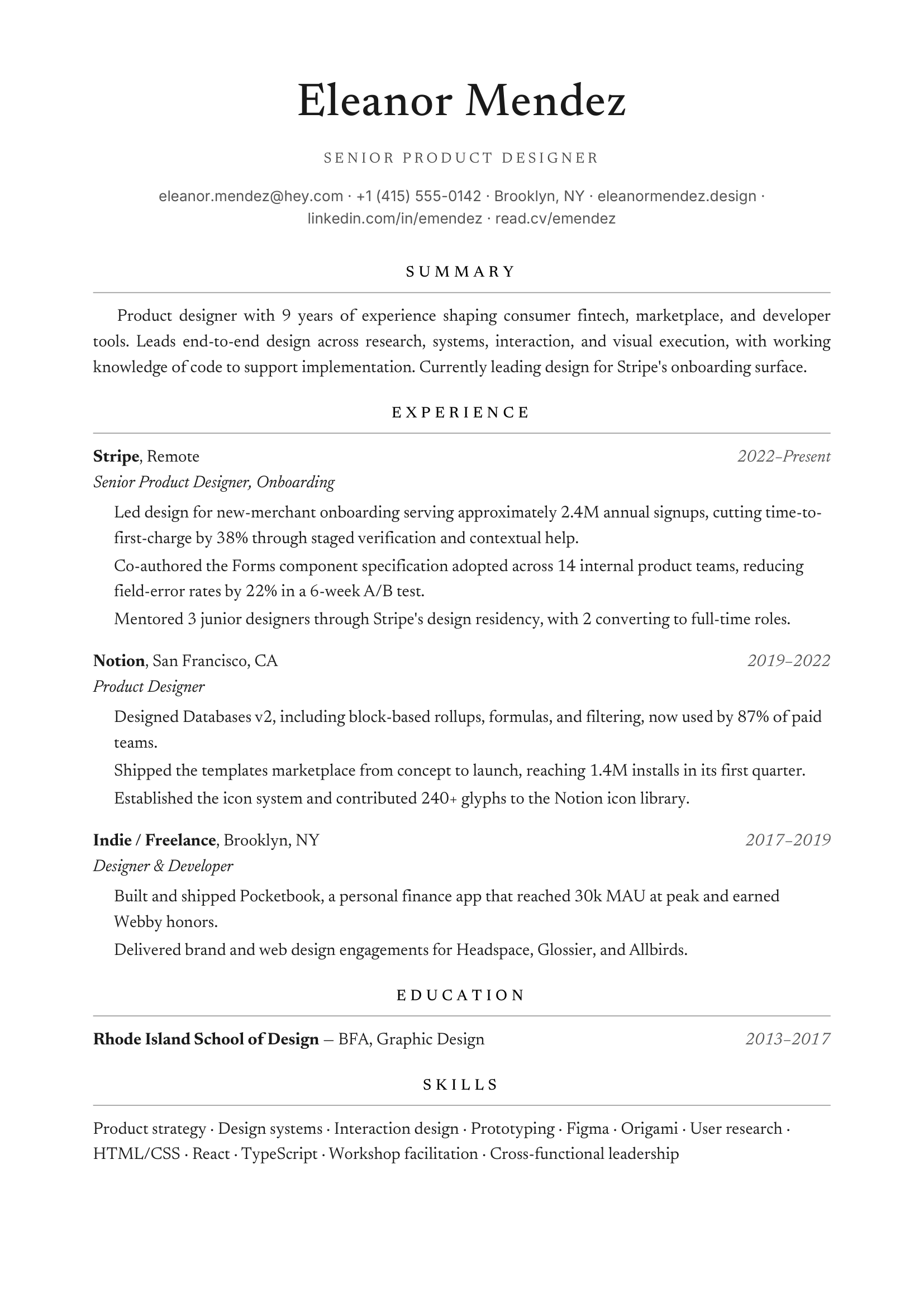
Centered name, small caps, traditional.
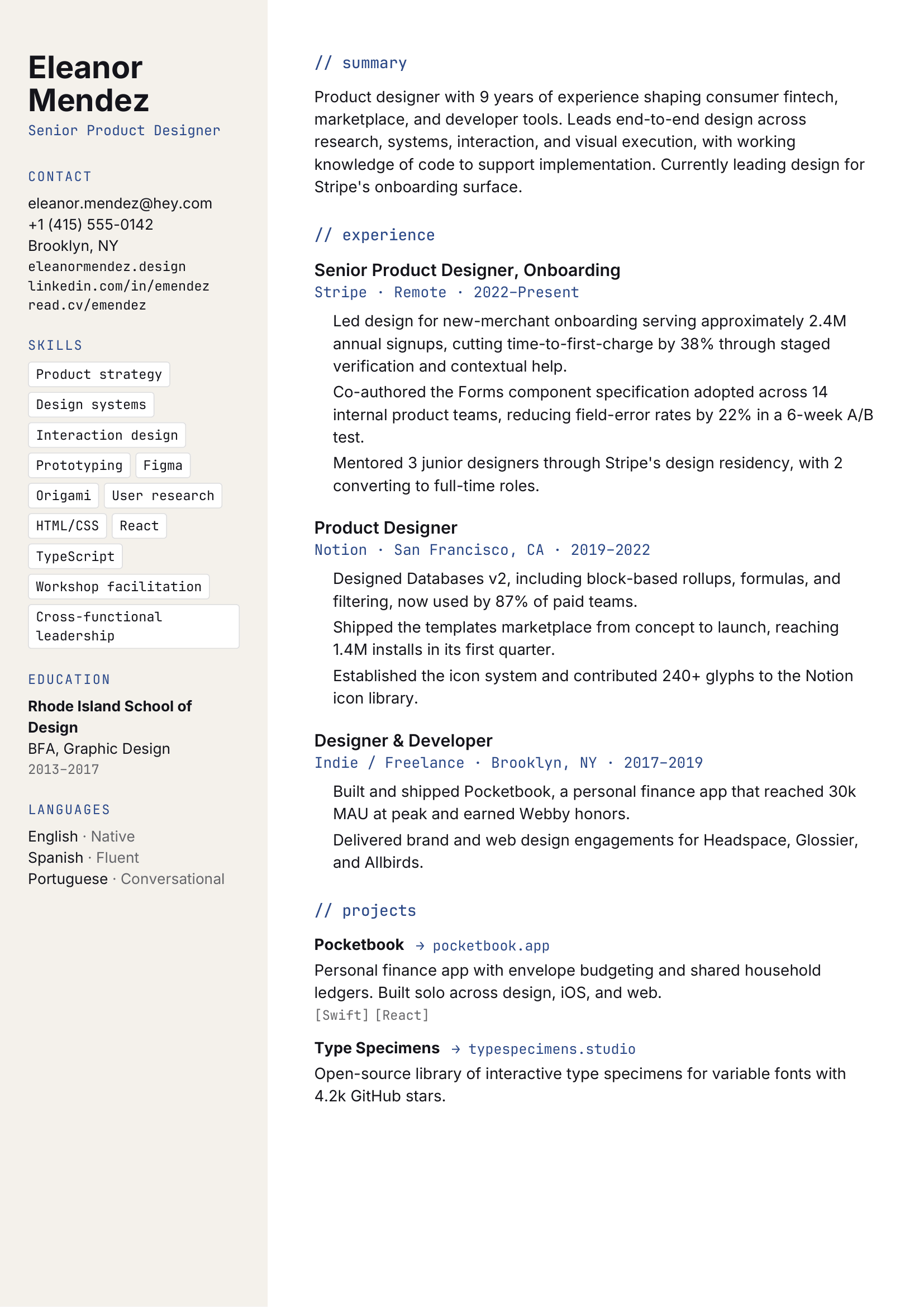
Mono accents, sidebar for skills.
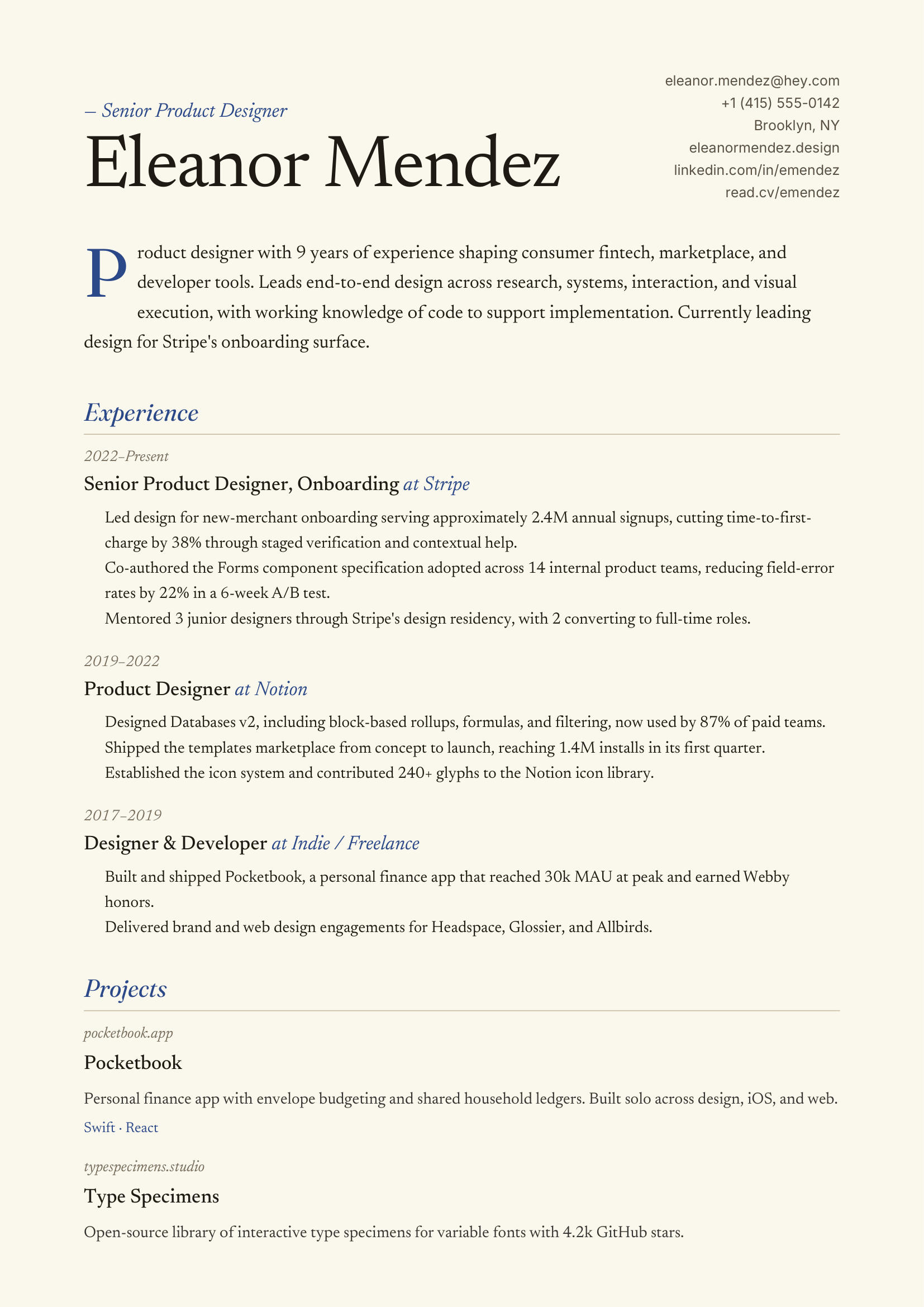
Italic accents, drop-cap, warm cream.
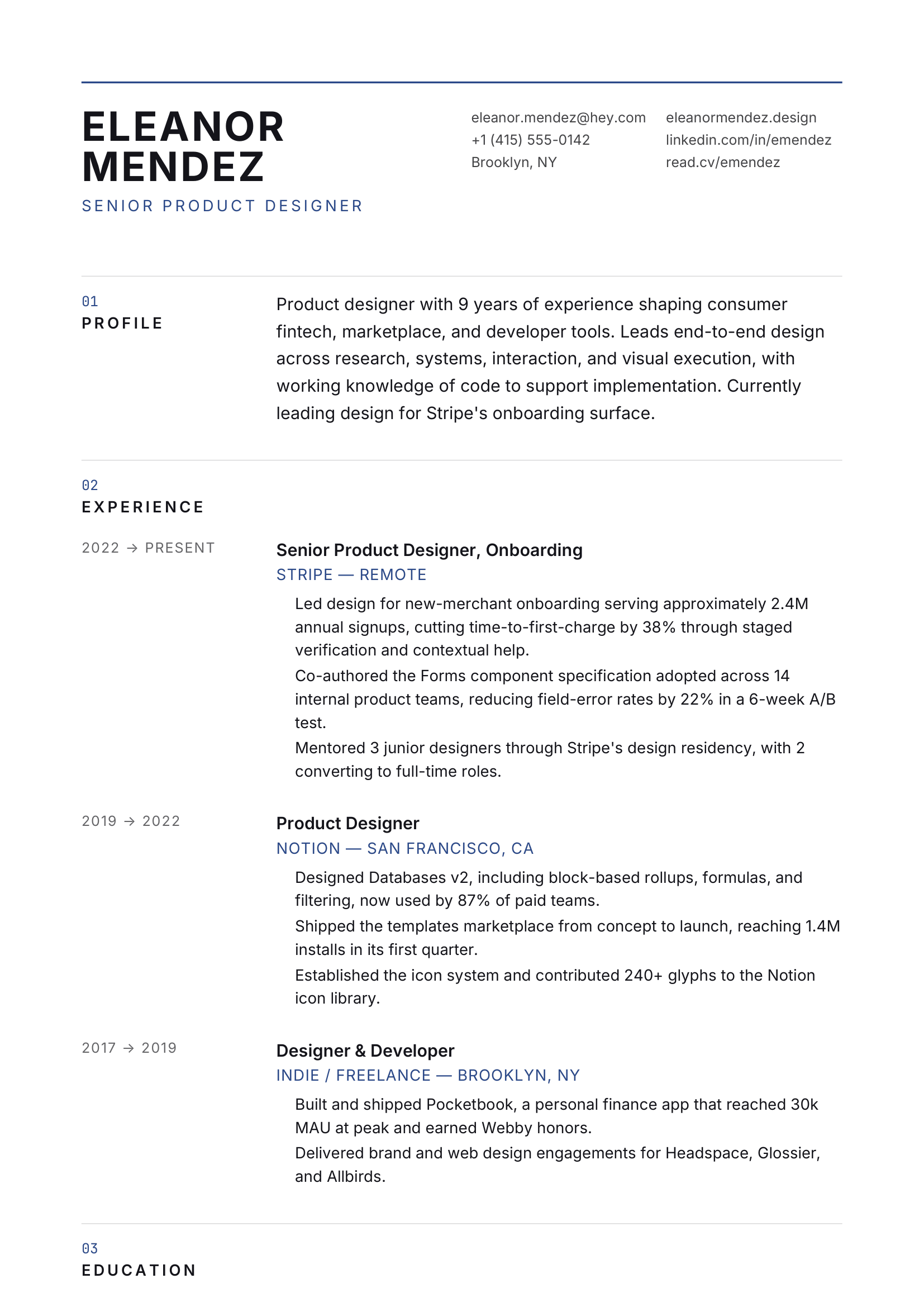
12-col grid, all caps headings.
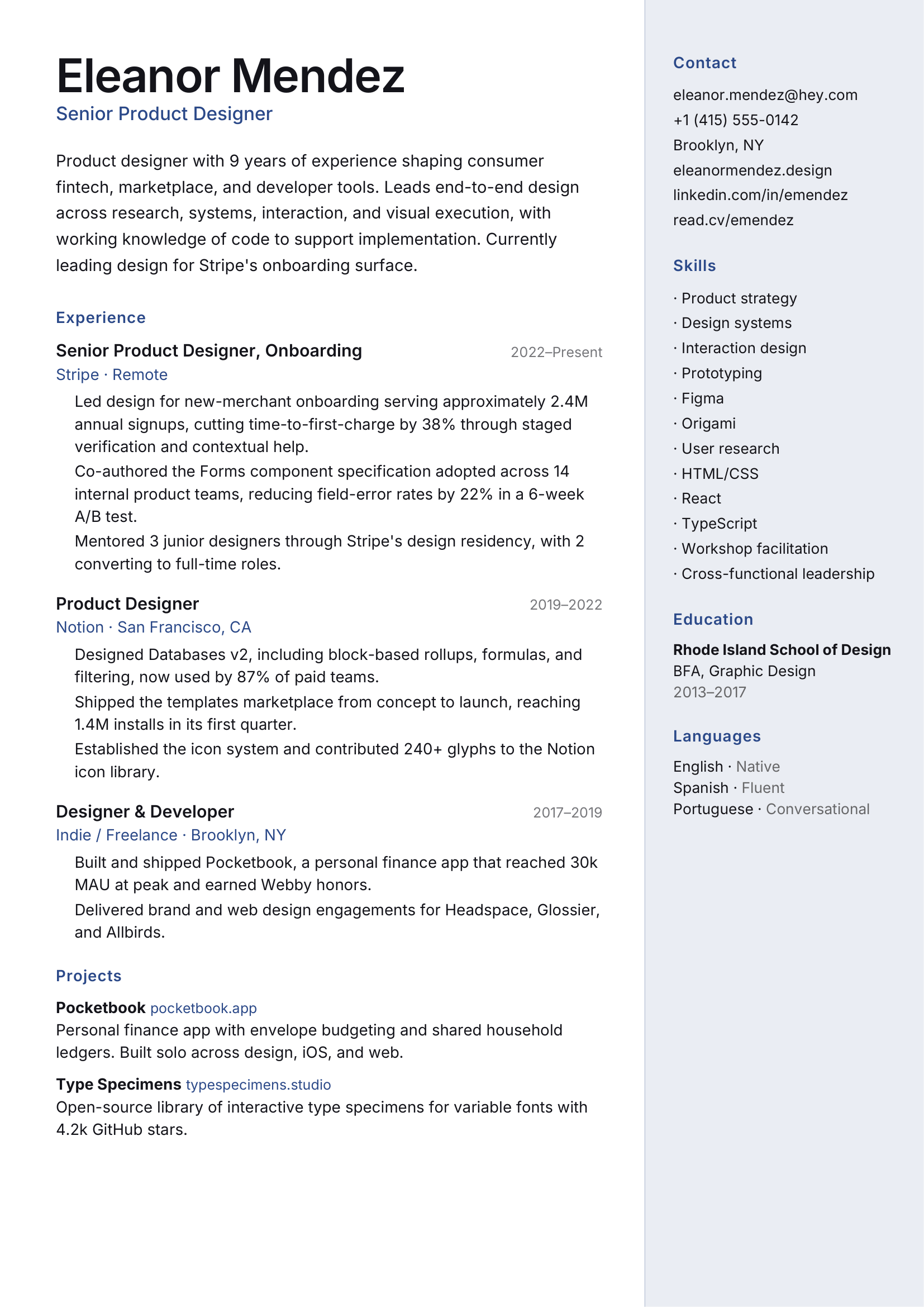
Soft accent sidebar, photo-friendly.
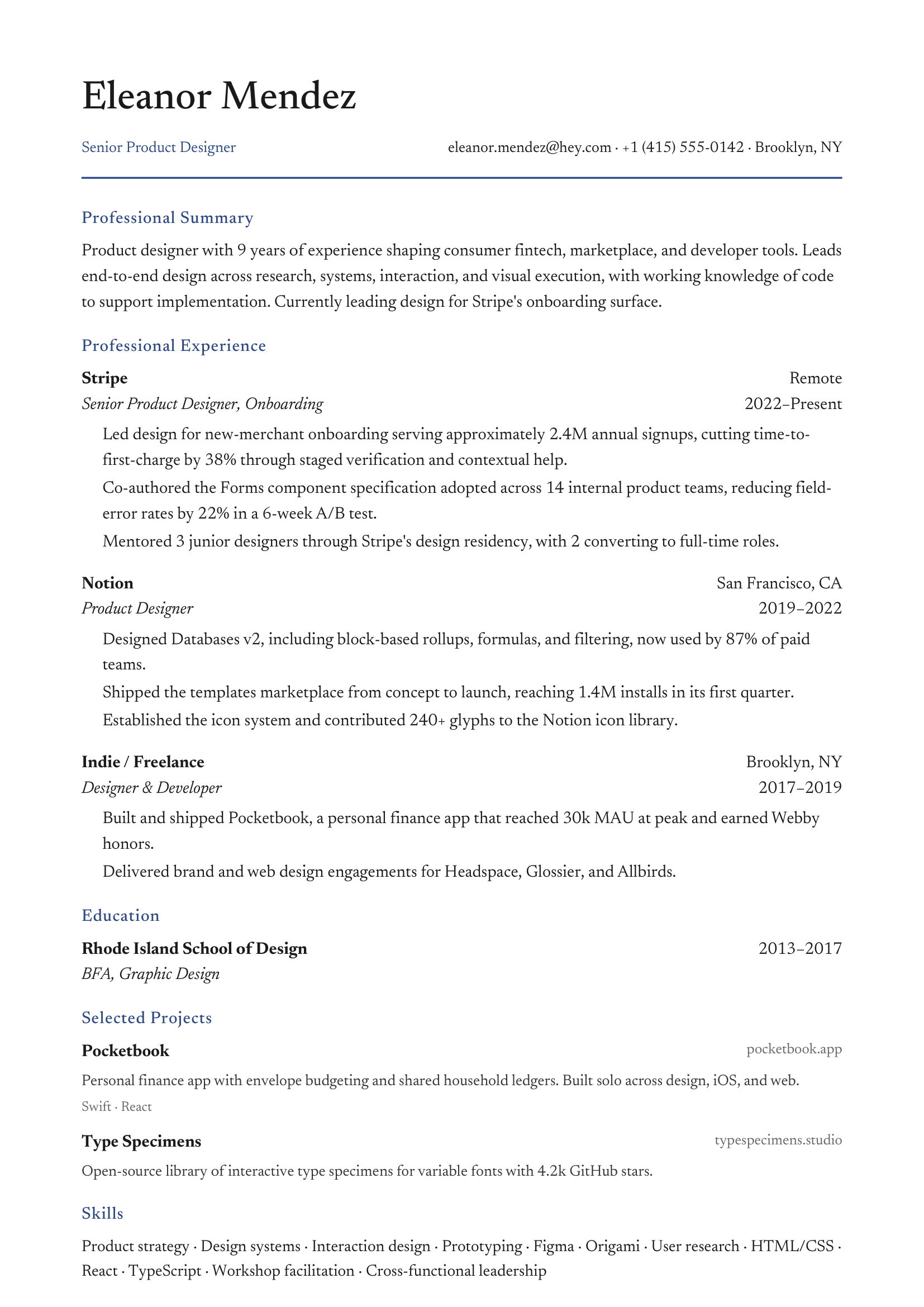
Clean serif, navy accent, single column.
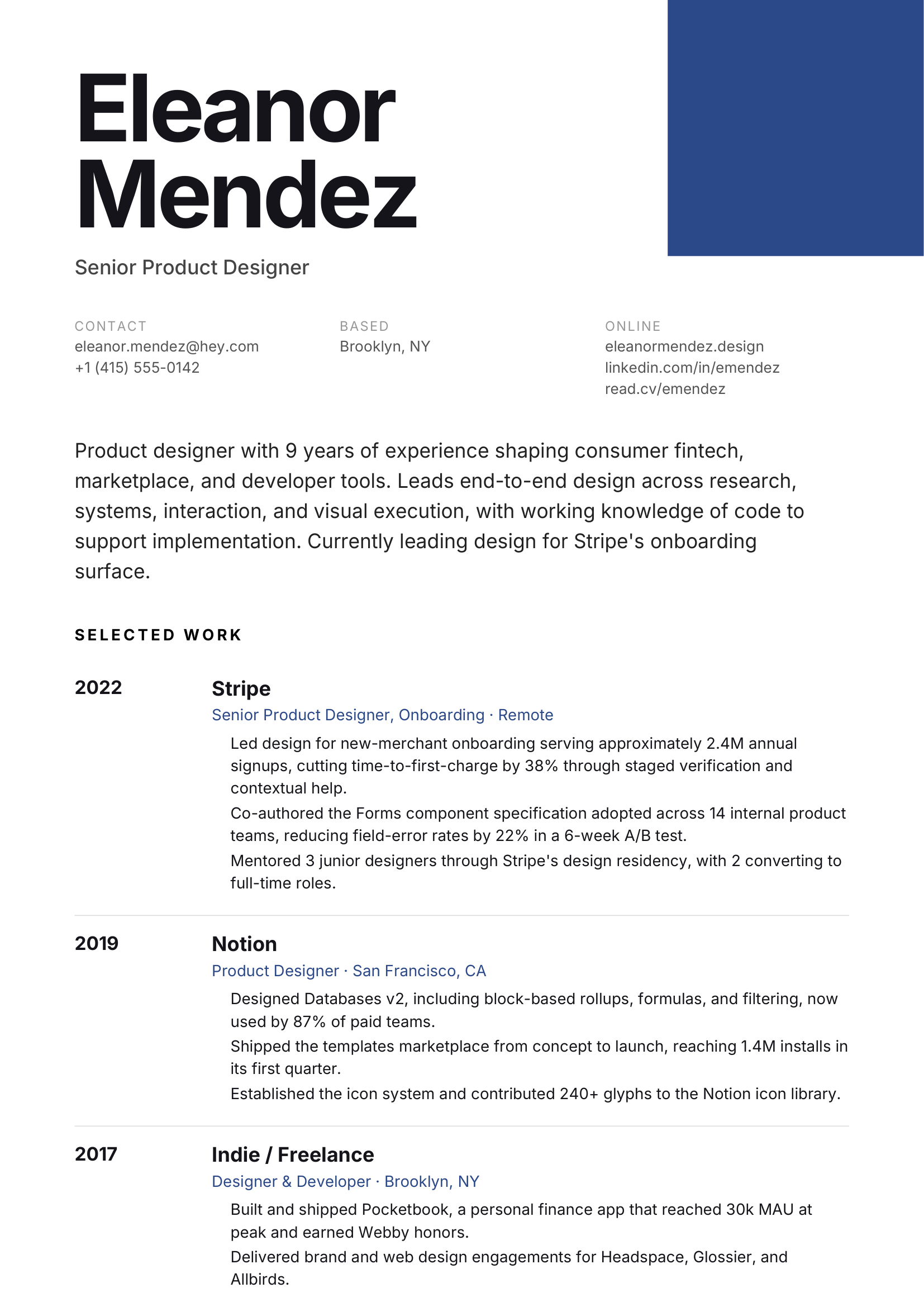
Color block, oversized name, grotesque.
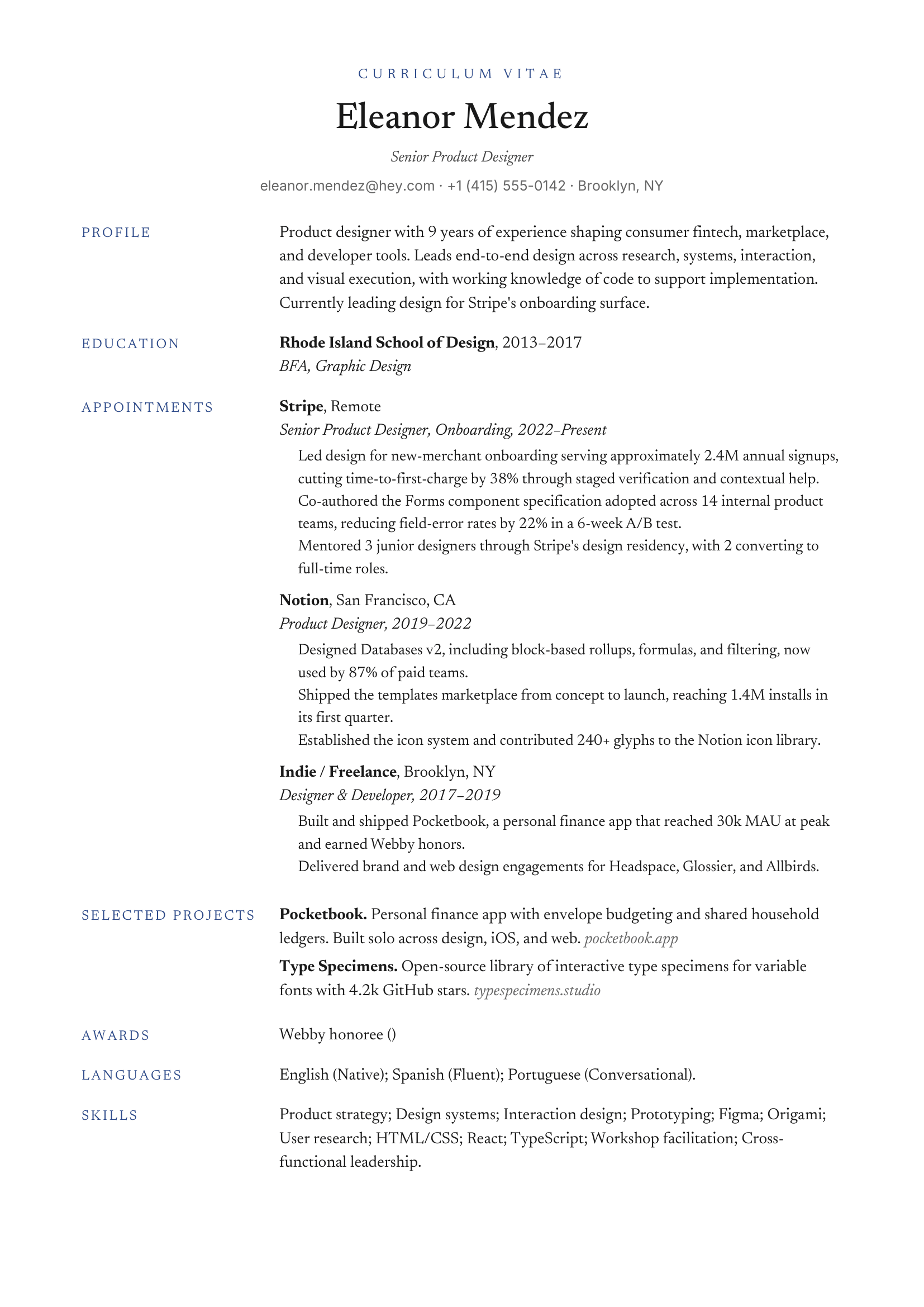
CV-style, publications-friendly, dense.
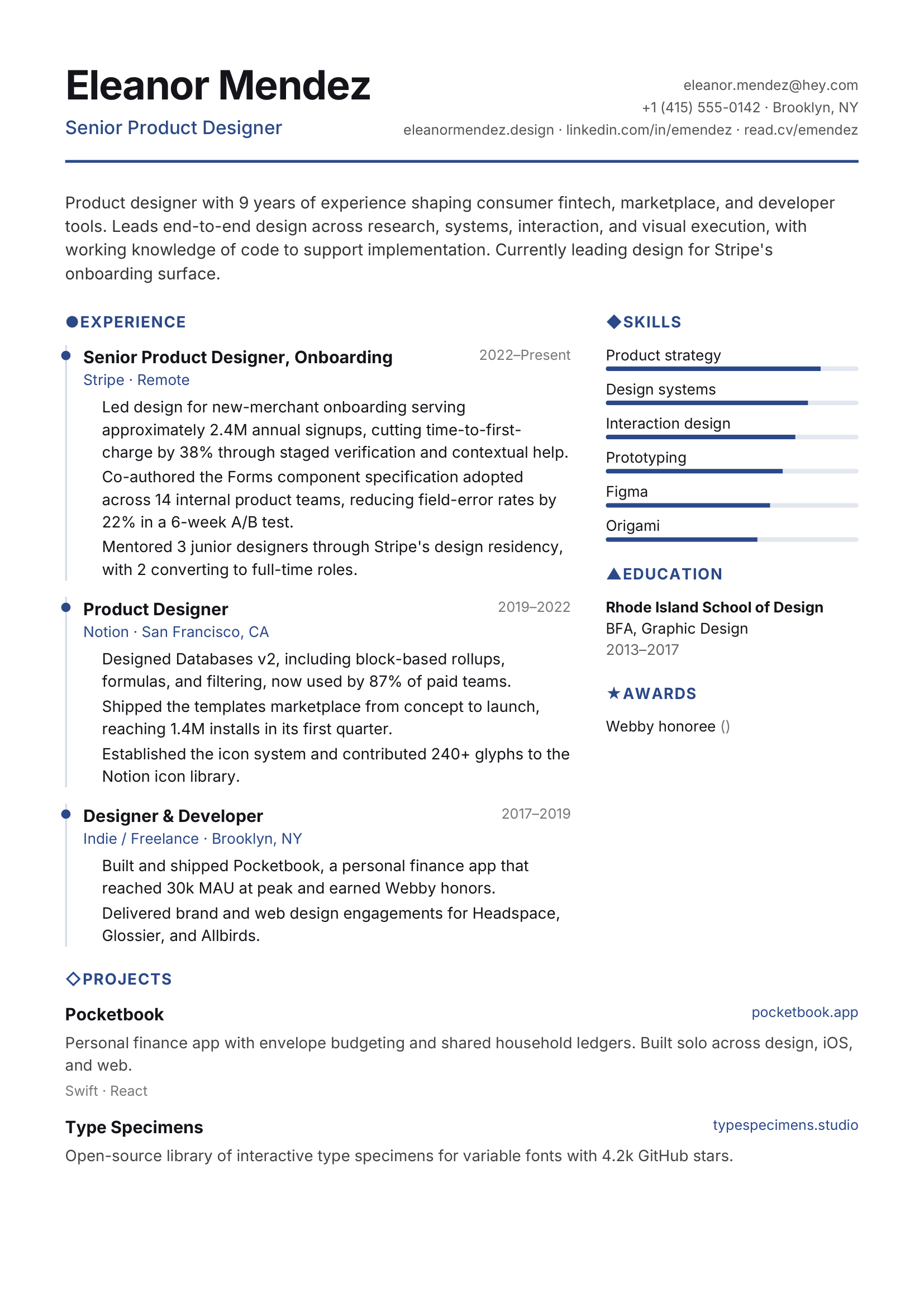
Color icons, optional skill bars.
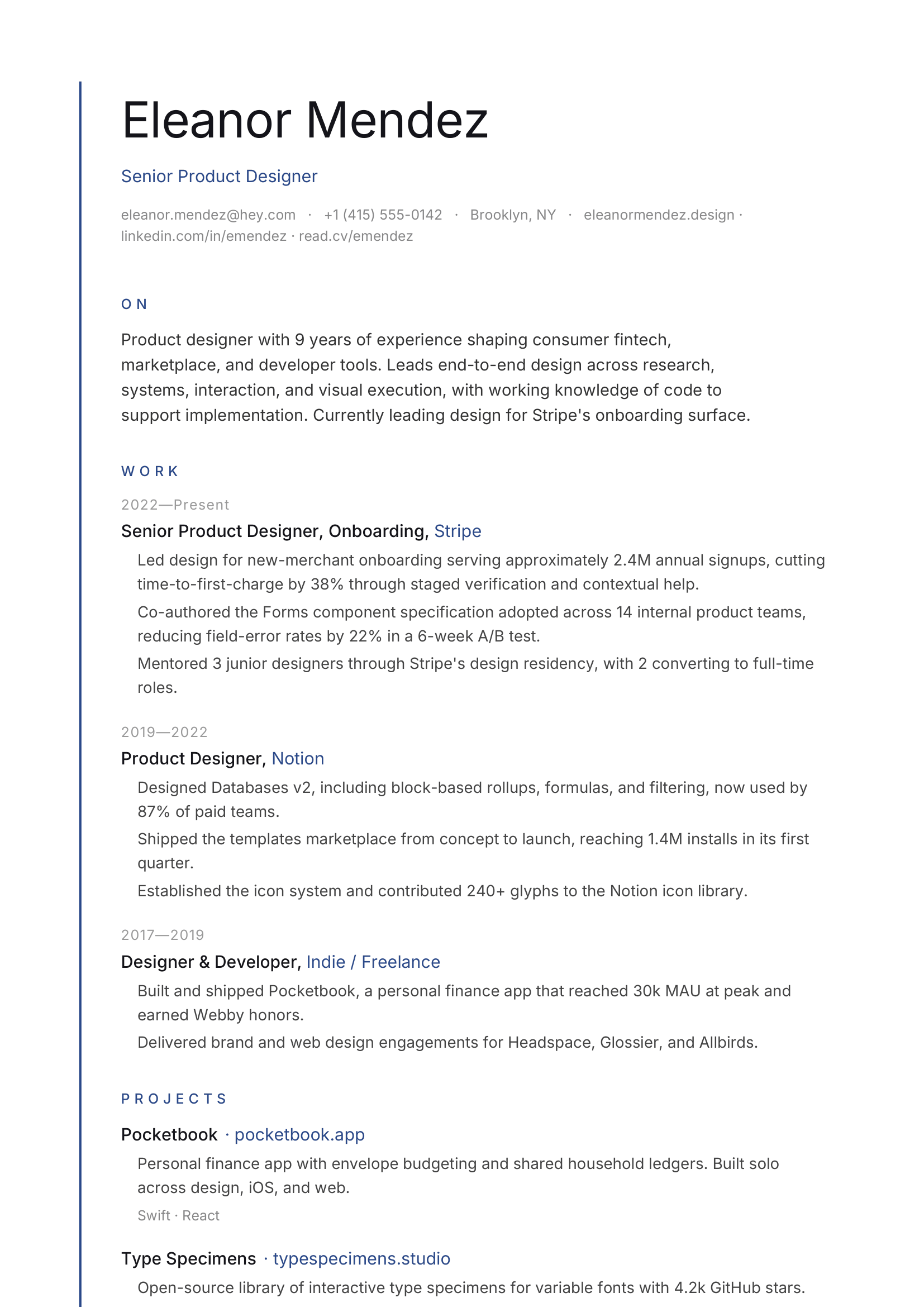
Vertical accent line, sparse, single sans.
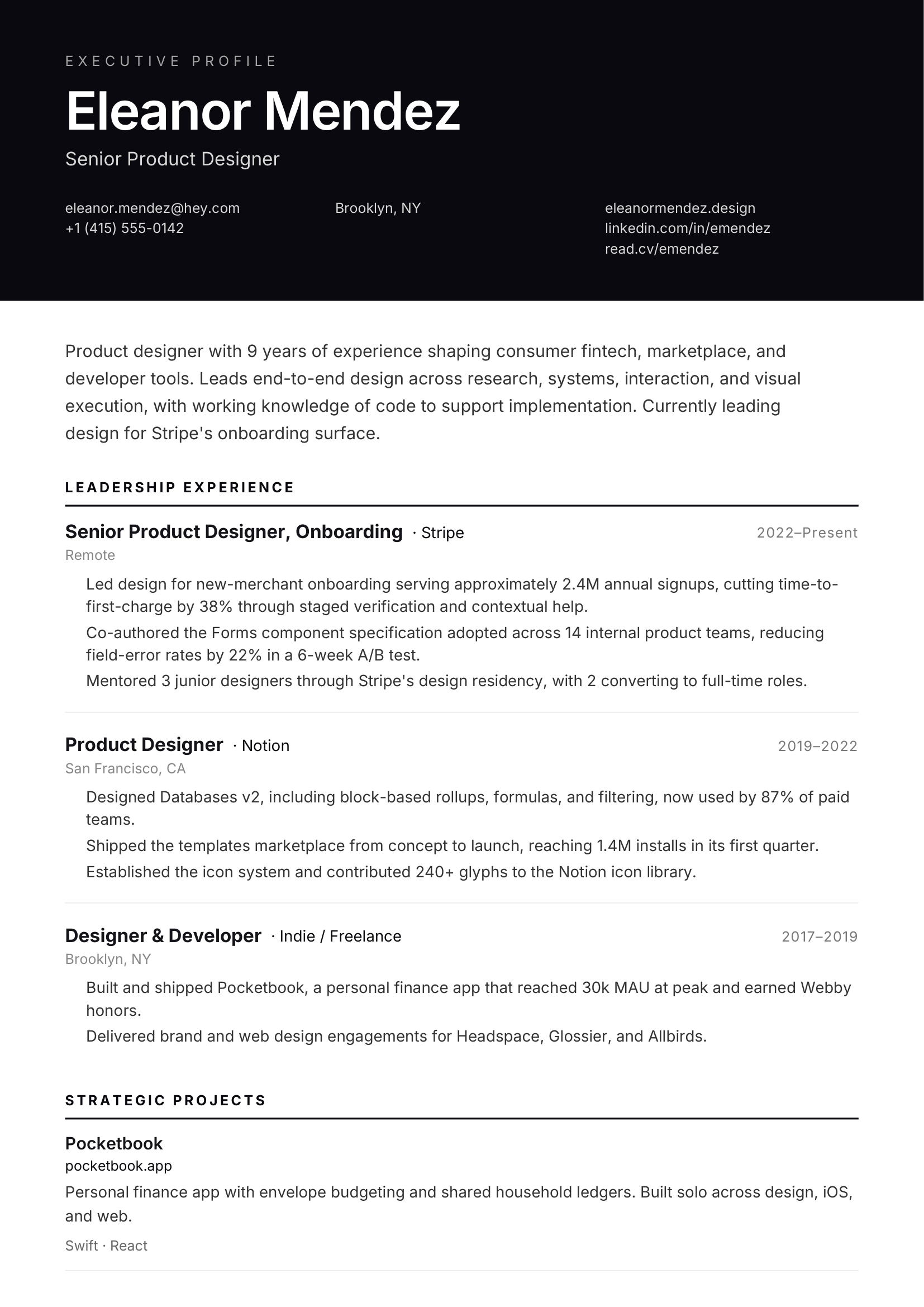
Top dark band, leadership-grade.
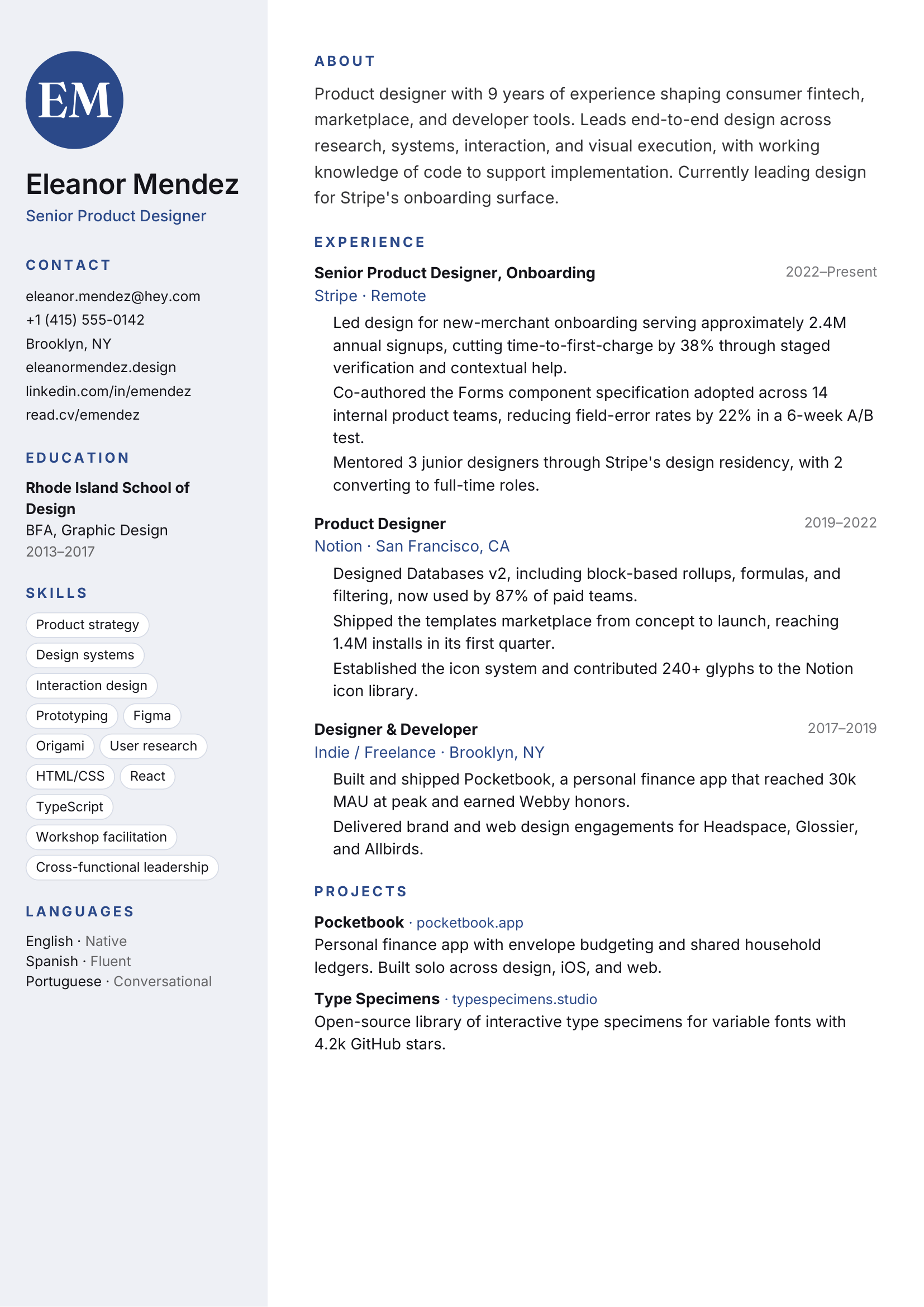
Soft color sidebar, monogram, friendly.
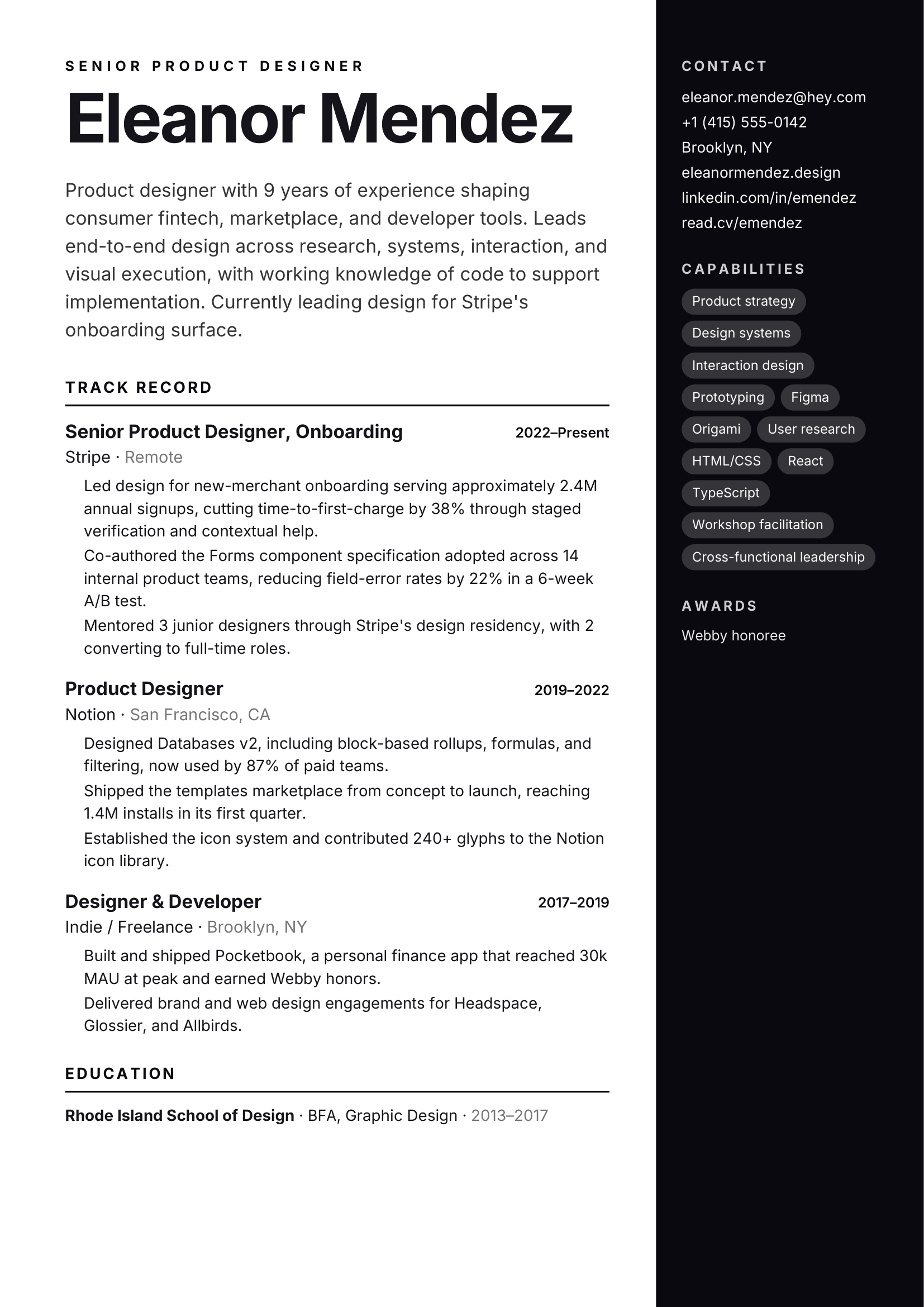
Full-color sidebar, oversized name.
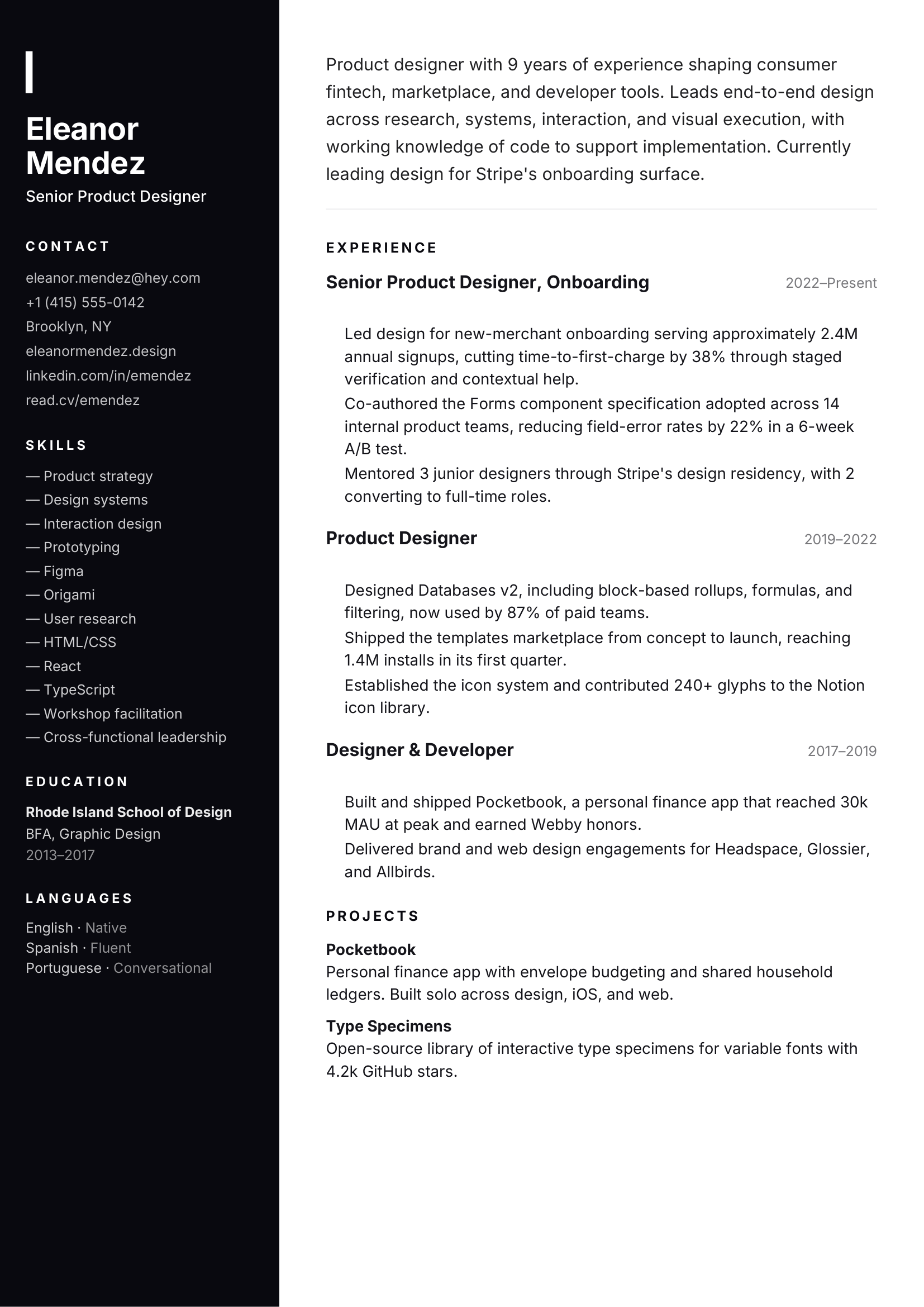
Full dark sidebar with accent rule.
Choose for the hiring process
A template can support a clear reading order, but no design can guarantee an ATS result. Your headings, wording, file handling, and the employer's software also affect parsing. ArcPixel keeps your resume text editable while you compare designs.
Start with a single-column design, familiar headings, and real text. Keep important experience in the main document flow and review the exported PDF before applying.
A restrained two-column layout can help recruiters scan skills and experience. Use it when the employer accepts designed PDFs and always check the reading order.
Choose a denser layout with room for publications, research, teaching, and awards. Consistent dates and headings make a longer history easier to navigate.