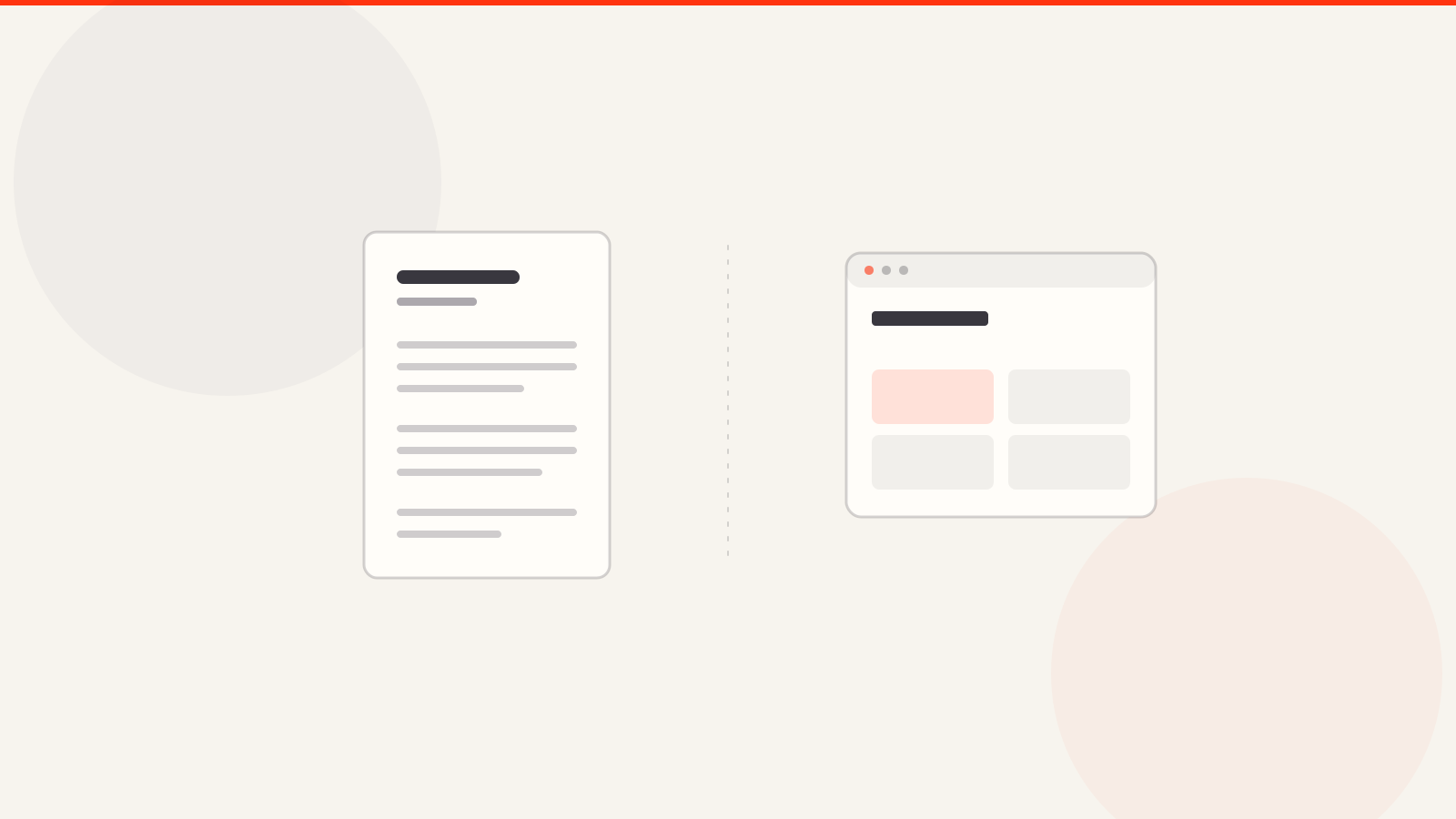
AI portfolio builders split into two groups. Prompt-first tools such as Wix, Framer, Figma Make, Replit and Lovable generate a site from a description. Resume-first tools such as ArcPixel turn a resume you upload into an editable portfolio. Wix and Framer let you publish free on their own subdomain; a custom domain needed a paid plan on every tool whose terms we could confirm.
An AI portfolio builder turns resume facts or guided answers into a first portfolio draft. A useful tool should preserve names and dates, separate facts from generated wording, let you edit every claim and place the result in a consistent template. It should shorten setup time; it should not invent outcomes, employers, skills or project evidence.
Looking for a tool rather than a guide? Try the ArcPixel AI portfolio builder: upload a PDF, DOCX or text resume and get an editable portfolio draft. Building and previewing are free; publishing needs a paid plan. The rest of this article explains how to judge any AI portfolio builder, including ours.
This guide covers what these tools actually do behind the resume-upload screen, a checklist for evaluating one before you hand it your resume, the mistakes that make an AI-generated portfolio look obviously AI-generated, how the AI-assisted approach compares to building one yourself, and where ArcPixel's AI portfolio builder fits among them.
What an AI portfolio builder actually does
Underneath the "upload your resume" screen, most of these tools do the same three things: parse the resume file into structured fields (name, roles, dates, skills), map that structured data onto a template's layout, and use an AI model to draft the connective copy — a headline, a summary paragraph, sometimes short blurbs per role — that a plain resume doesn't already contain in portfolio-ready form.
- Parsing: reading a PDF or DOCX resume and extracting structured data from it, which is harder than it sounds — resume formatting varies enormously, and parsing quality is where a lot of these tools quietly fail (fields end up empty or scrambled).
- Template matching: placing the parsed data into a pre-built visual layout, so you get an actual designed page rather than a plain data dump.
- AI-drafted copy: generating a headline, intro, or short descriptions to fill the gaps a resume's bullet points don't cover — this is the part that needs a human read-through before publishing, every time.
Prompt-first and resume-first AI portfolio tools
Not every AI portfolio tool starts in the same place, and the starting point changes what you need to check. Prompt-first tools begin with a description of what you want. Resume-first tools begin with facts you already wrote down.
| Prompt-first tools | Resume-first tools | |
|---|---|---|
| Where the content comes from | A description of your goals, field or work, sometimes plus files or a design | A resume you upload, or guided fields you fill in |
| What the AI writes | Layout and starting copy, often a whole draft site | Fills matching fields and suggests wording for them |
| Main risk | Details you never provided can appear in the draft | Import can misread a layout and leave fields empty or scrambled |
| What to verify | Every claim, name and date in the generated copy | Every imported field, before you save or publish |
| Layout freedom | Wide; you can usually change anything | Narrower; the designs are built for portfolios |
Here is how three well-known tools describe themselves, from their own pages read on 22 September 2026. Features change, so check the current page. Wix says its AI portfolio generator starts from a conversation about your goals, industry and work, then assembles layouts and initial copy that you edit in a drag-and-drop editor. Figma has you describe your portfolio in a prompt inside Figma Make. Replit says its Agent can generate a complete portfolio from a plain-English prompt, and it also lists community templates, GitHub repositories and Figma imports as starting points. Those are prompt-first tools. Neither approach is better in general, and the test below applies to both.
AI portfolio builders compared
The table compares what each tool's own pricing page said on 2 October 2026. Where a page did not state a term, we say so rather than guess. Prices change and some vary by country, so check the live page before you pay.
| Tool | Starts from | Publish free? | Custom domain |
|---|---|---|---|
| ArcPixel | Your resume or guided fields | No, paid plan | Yes, on paid plans |
| Wix | A chat about your goals | Yes, wixsite.com with branding | Paid plans |
| Framer | A prompt or template | Yes, free Framer domain | Paid, from $10/month |
| Figma Sites | A prompt or Figma designs | No, paid Full seat | Paid plans |
| Replit | A prompt to its Agent | Not stated | Not stated |
| Lovable | A prompt (5 free credits a day) | Not stated | Not stated |
- ArcPixel suits job seekers who want a portfolio that carries the same facts as their resume.
- Wix suits people who want to drag elements anywhere on the page.
- Framer suits designers who want animation and fine layout control.
- Figma Sites suits teams already designing in Figma.
- Replit and Lovable suit people comfortable shaping an app-style site from prompts and editing what comes out.
Pick by your starting point. If you have a resume and want the portfolio to carry the same facts, a resume-first tool like ArcPixel's AI portfolio builder needs the least rewriting. If you want full creative control and enjoy layout work, Framer or Wix give you more freedom, at the cost of checking every generated claim yourself.
What to check before you trust one with your resume
- Can you actually edit the AI-drafted text, or is it locked once generated? A tool that won't let you correct or rewrite what the AI produced isn't a real editor, it's a one-shot generator.
- What happens to your resume file after you upload it? Look for a plain answer about storage and whether it's used for anything beyond generating your page — a tool with no privacy policy at all is a real yellow flag for something you're feeding your personal work history into.
- Is the design behind it a real template, or does the AI also generate the layout? AI-generated layouts are frequently where quality drops fastest — inconsistent spacing, generic stock-style sections, nothing that looks considered.
- Does publishing require payment, or is that gated after you've already uploaded your resume and invested ten minutes? Check the pricing page before you upload anything, not after.
- Can you use your own domain, or are you stuck on the tool's own subdomain permanently?
- Is there a real business behind it — a pricing page, a support contact, some sign of an actual team — or is it a single-developer side project with no visible plan for staying online? Neither is automatically disqualifying, but you should know which one you're using.
Mistakes that make an AI-generated portfolio look AI-generated
- Publishing the first draft without reading it. AI-drafted summaries lean toward generic phrasing ("passionate," "results-driven," "dynamic professional") that reads as filler to anyone who's seen it before — because a lot of people have, from a lot of tools.
- Letting the AI invent specifics your resume didn't actually contain. If the draft mentions a metric, a team size, or an outcome you didn't provide, that's the model filling a gap, not a fact — cut it or replace it with something true.
- Using the tool's default headline verbatim across every section instead of writing one real sentence about what you actually did differently on each project.
- Skipping the human edit entirely because the draft "looks done." Looking finished and being accurate are different things — AI-drafted copy should be a starting point you edit, not a final draft you publish.
A reproducible 10-minute test
Use the same small fictional resume in every tool you compare. Record the first output before correcting it, then repeat the checks below. Award one point when the result falls between the two descriptions. This ArcPixel editorial rubric measures how inspectable the draft is; it is not a certification and a high score does not make an unreviewed claim true. No product has been scored in this article; the sample below is an illustration, not captured output from a live import.
Fixed test input — fictional
SAM LEE — Junior product designer
Bright Desk Studio — Design intern — January to June 2026
Project: redesigned a fictional appointment-booking prototype for a course assignment
Contribution: mapped five screens, ran three usability sessions and documented two navigation problems
Known result: revised the prototype after the sessions; no commercial conversion result was measured
| Check | 0 points | 2 points |
|---|---|---|
| Fact transfer | A name, role or date is wrong | All supplied facts are preserved |
| Unsupported claims | The draft invents a result | Generated text stays inside the supplied facts |
| Editability | Core copy is locked | Every public claim can be edited |
| Template change | Content is lost | Content survives the switch |
| Terms and privacy | Key answers are absent | Storage, deletion, price and publishing terms are clear |
| Mobile preview | Content is clipped or unreadable | The page remains readable and usable |
Illustrative before-and-after wording — not a live tool output
INPUT: Ran three usability sessions and revised the prototype.
UNSUPPORTED DRAFT: Increased booking completion by 35% through user-centred design.
SUPPORTED DRAFT: Ran three usability sessions, documented two navigation problems and revised the prototype.
AI-assisted vs. building it yourself
| AI portfolio builder | Generic drag-and-drop builder | Hand-coded | |
|---|---|---|---|
| Setup decisions | Review imported facts and a generated draft | Choose a template or AI draft, then adjust the layout | Choose structure, content, implementation and hosting |
| Design quality | Depends entirely on the template behind it | Depends on your own design skill | Depends entirely on your own design skill |
| Writing the copy | AI assistance with human review | Manual writing or built-in AI where available | Manual writing or separate AI assistance |
| Best for | Guided setup followed by careful review | Full layout control if you enjoy that part | Complete control, if you can code |
The AI gets you a draft. Whether it's a good portfolio still comes down to whether you actually read what it wrote.
How to measure building speed fairly
There are three different timings: generating a draft, finishing an accurate application and loading the published website. A quick draft does not prove either of the other two. We have not measured ArcPixel against competing builders, so this article makes no fastest-builder claim. Use the same content, device and connection and compare the complete task you need.
| Stage | What to record | When the stage is complete |
|---|---|---|
| Draft | Start-to-first-preview time | The same supplied facts appear in the first draft |
| Correction | Time and number of errors repaired | Names, dates and claims match the source |
| Presentation | Time spent on layout and mobile checks | The project is readable and its links work |
| Delivery | Time to required export or publication | The file or public link opens outside the editor |
Copyable timing worksheet — no results filled in
Tool and plan: [name / plan / date]
Task: [one portfolio project / CV PDF / cover-letter PDF]
Input and output requirements: [same for every tool]
Draft: [minutes] | Corrections: [minutes] | Presentation: [minutes] | Delivery: [minutes]
Errors left unresolved: [describe]
Repeat runs: [record each, report median and range]
Save time across a CV, cover letter and portfolio
Prepare a master note before opening an editor: accurate dates, role names, evidence for two achievements and one project you can share. Use the CV for the concise history, the letter to connect one example to the vacancy, and the portfolio for the evidence behind that example. Reuse facts rather than copying the same paragraph into all three.
ArcPixel can reduce setup decisions through resume import, editable AI suggestions and ready-made designs. That is the mechanism to evaluate; the time saved remains unmeasured. CV, cover-letter and portfolio edits do not automatically synchronize. Keep the final cross-check in your timing, and distinguish free preview from paid PDF export or publishing.
For a product shortlist, compare ArcPixel with Lovable, Wix and Zety. For document-first applications, use ArcPixel vs Resume.io. Both comparisons explain where another tool may fit better.
Where ArcPixel fits
ArcPixel has separate portfolio, resume and cover-letter editors. In the portfolio editor, Use resume directly accepts a PDF, DOCX or plain-text resume and fills matching fields in a draft; you can also start from a saved resume. AI assistance then helps you write and refine headlines, project descriptions and about copy inside those fields, and every line stays editable. That makes it a resume-first AI portfolio builder. Import can replace text already entered, so review every field before saving and publishing. The documents do not stay automatically synchronized. Inspect the portfolio templates, privacy policy and plan limits before choosing a design or uploading personal information.
Publishing goes on a chosen <yourname>.arcpixel.io address, or a custom domain you already own if you'd rather use that. Solo allows up to 2 live portfolios and Studio up to 10. See the plans for the specifics. If you're specifically comparing this against Adobe Portfolio, this comparison covers that directly; if you're weighing it against a free Notion setup instead, this guide covers where that holds up and where it doesn't.
- Is an AI-generated portfolio going to look generic?
- It can, if you publish the first draft unedited — AI-drafted copy leans toward generic phrasing by default. Read and rewrite the parts that sound like filler, and treat the AI draft as a starting point rather than the finished page.
- Is it safe to upload my resume to an AI portfolio builder?
- Check the tool's privacy policy for what happens to the file after upload before you send it anywhere — a tool with no visible policy at all is worth being cautious about, since a resume contains real personal and employment history.
- Can I edit what the AI writes, or is it final?
- This varies by tool — confirm before you upload anything. A tool that doesn't let you edit the generated text afterward is a one-shot generator, not a real editor, and you'll be stuck with whatever it drafted.
- Do I need a resume to use an AI portfolio builder?
- Not necessarily — most tools that support resume upload as a shortcut also support filling in the same fields manually, which matters if you don't have a current resume or want to write the content yourself from the start.
- How is this different from a generic website builder like Wix or Squarespace?
- General website builders can also offer templates and AI assistance. Compare the starting material, editing control and final output. ArcPixel starts with guided portfolio fields and optional resume import; this does not establish a measured speed advantage.
- What is the best AI portfolio builder?
- It depends on where your content starts and how much layout control you want. Run the same fictional resume through each tool with the test above and compare what each one gets wrong. No product is scored in this article, so treat any ranking of the best tools as a starting point for your own check.
- How much does an AI portfolio builder cost?
- It varies, so check what is free and what is gated before you upload anything. Publishing, a custom domain and file export are common gates. With ArcPixel you can build and preview without a card. Publishing and PDF export need a Solo or Studio plan, and the pricing page has the current numbers.
- Can I build a portfolio from a prompt alone?
- Prompt-first tools can generate a draft site from a written description. The draft still needs the same checks as any AI output: confirm names, dates and results, and remove anything you did not supply. Starting from a resume ties the draft to facts you already wrote down.
- Does an AI portfolio builder help with SEO?
- Only as far as you let it. Look at the page title, headings and description of a published portfolio and confirm you can edit them. Generic AI copy does not help a page stand out. ArcPixel lists search basics among the features on both plans.