
Import an existing resume
Upload the file you already use. ArcPixel maps its content into editable sections, so you can check the structure before changing the words or design.
PDF · DOCX · TXTStart fresh or import a PDF, DOCX, or text file. ArcPixel structures your experience, helps sharpen the writing, keeps the finished resume visible as you edit, and exports a real PDF when you’re done.
Build and preview free. No card to start. PDF download requires Solo or Studio.
Both paths lead to the same guided editor and live preview. Choose the one that saves you the most time today.
Upload the file you already use. ArcPixel maps its content into editable sections, so you can check the structure before changing the words or design.
PDF · DOCX · TXTBegin with clear fields for contact details, summary, experience, education, skills, and optional sections—without staring at a blank document.
Guided fields · Live previewChoose either path after creating your free workspace.
The resume stays visible while you write. This short demonstration shows a field being filled, an editable AI suggestion, and the matching A4 preview updating.
Redesigned onboarding with product and engineering, making the first-run journey clearer for new customers.
Use suggestionHelped improve the onboarding flow for new customers.
AI can tighten a sentence or surface a stronger verb. You see the suggestion first, edit it freely, and decide whether it belongs in your resume.
Helped improve the onboarding flow for new customers.
Redesigned onboarding with product and engineering, making the first-run journey clearer for new customers.
Filter the complete template collection, then hover, focus, or select a name to inspect its structure. Your content stays intact when the design changes.
Big serif name, hairline rules, generous margins.
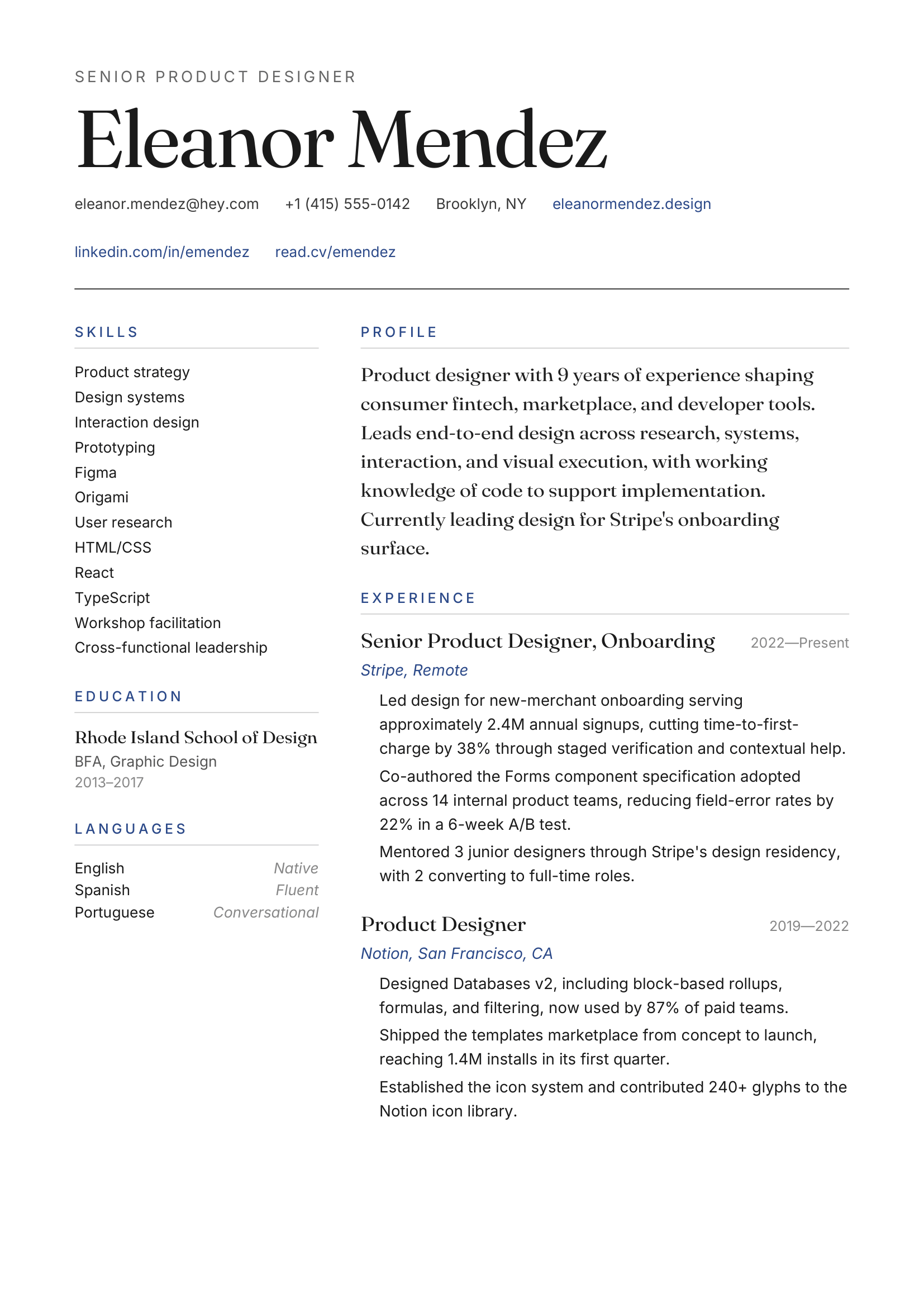
Big serif name, hairline rules, generous margins.
Editorial · Two-column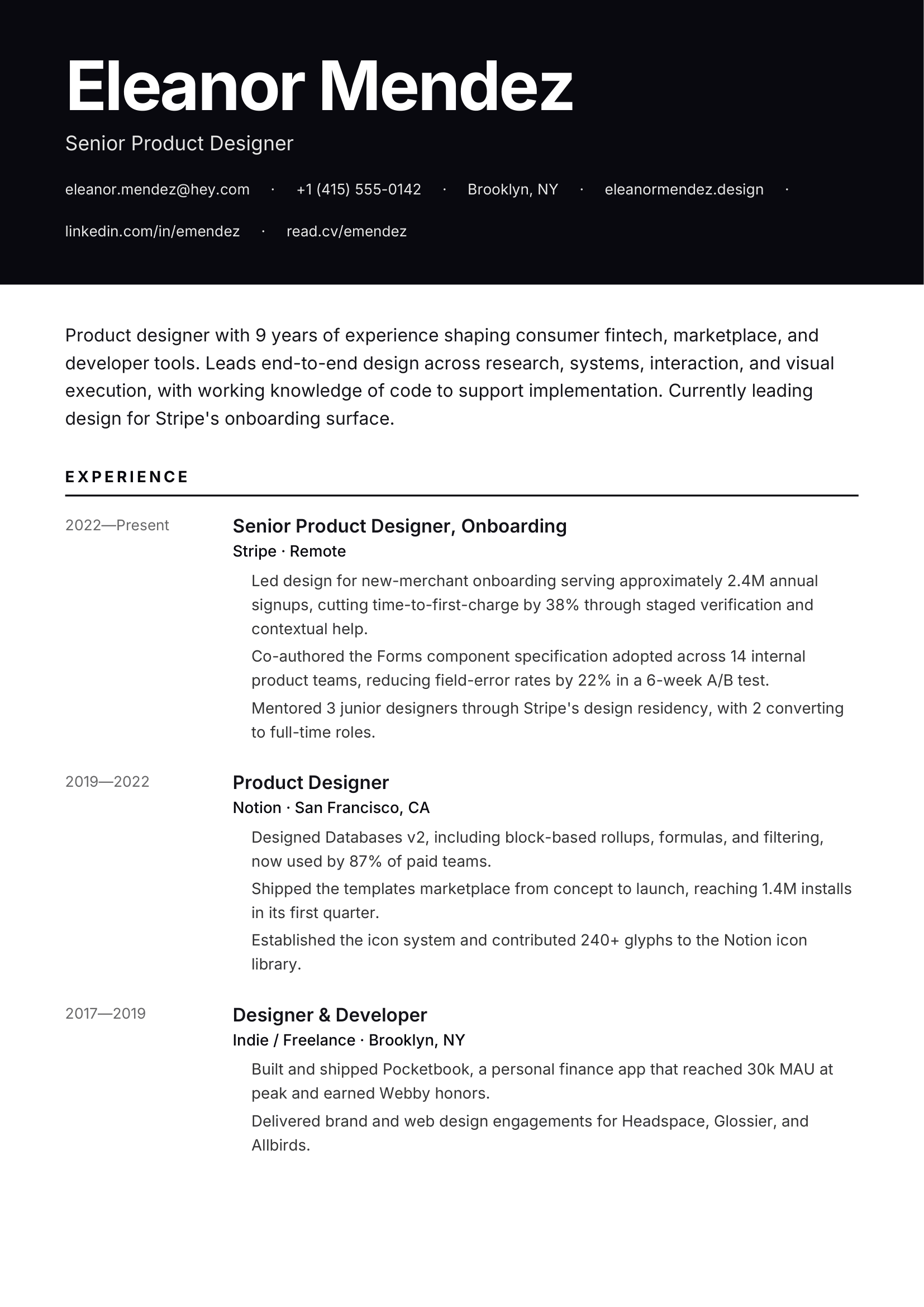
Full-bleed accent header, confident sans.
Modern · Bold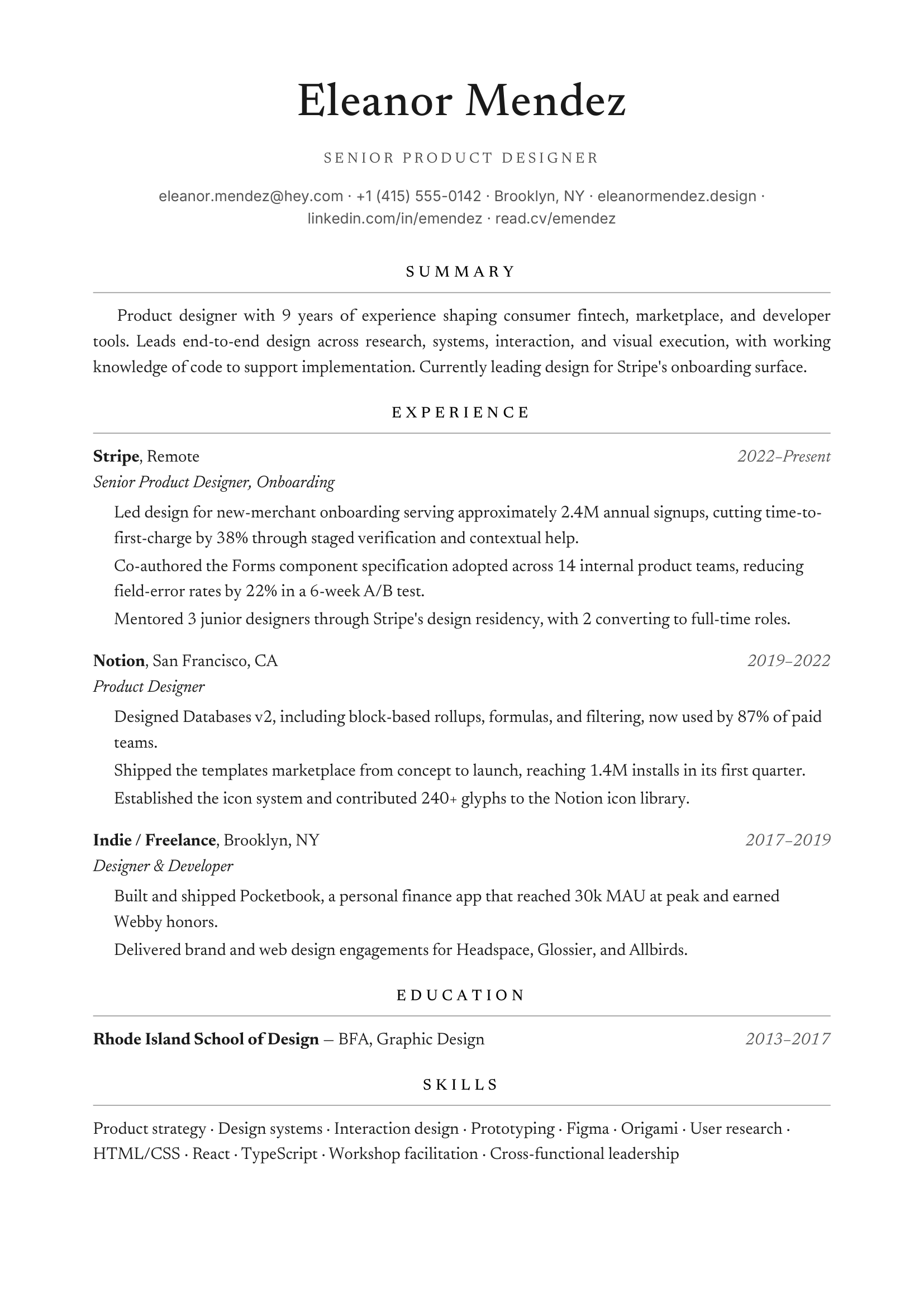
Centered name, small caps, traditional.
Classic · ATS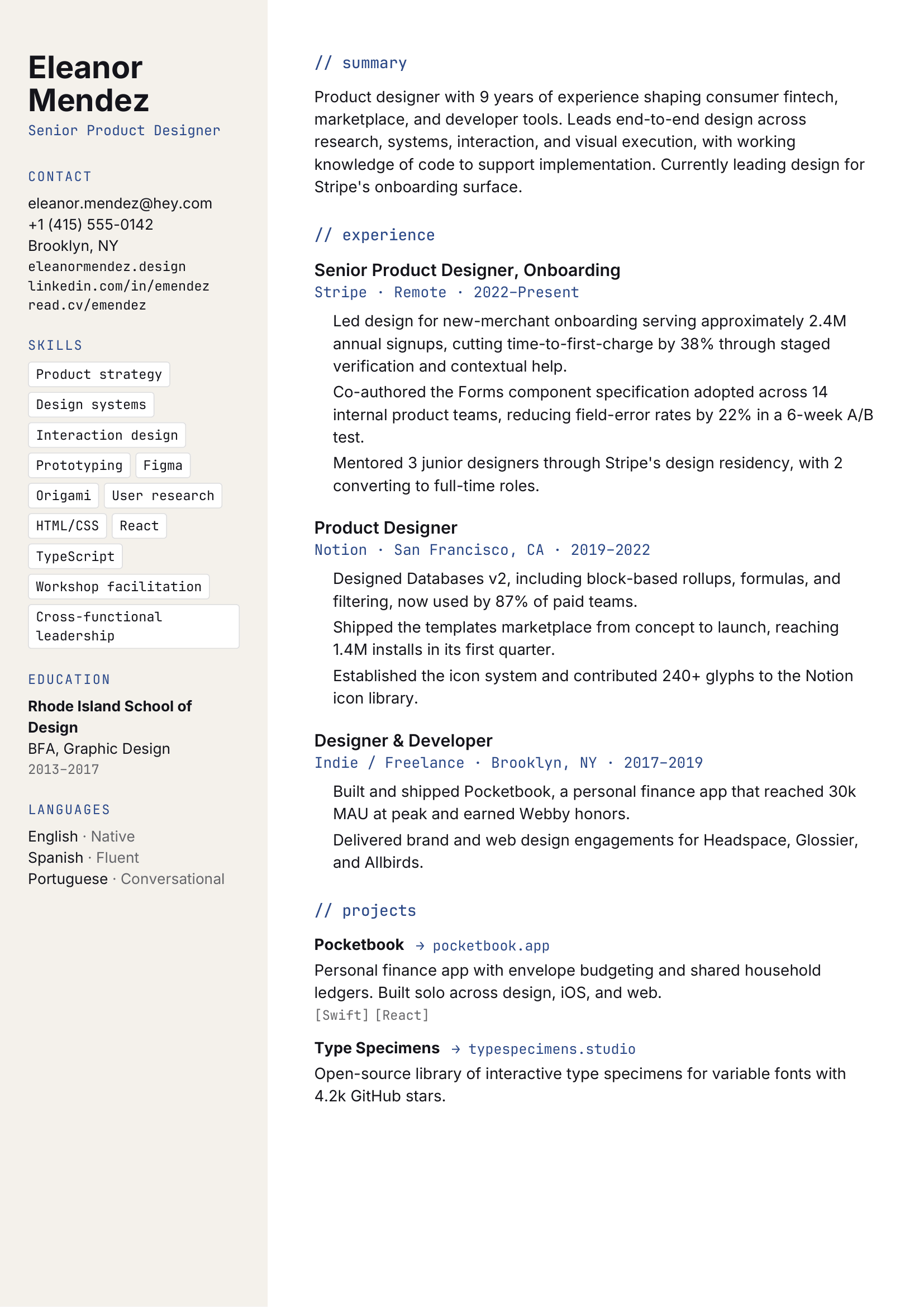
Mono accents, sidebar for skills.
Tech · Two-column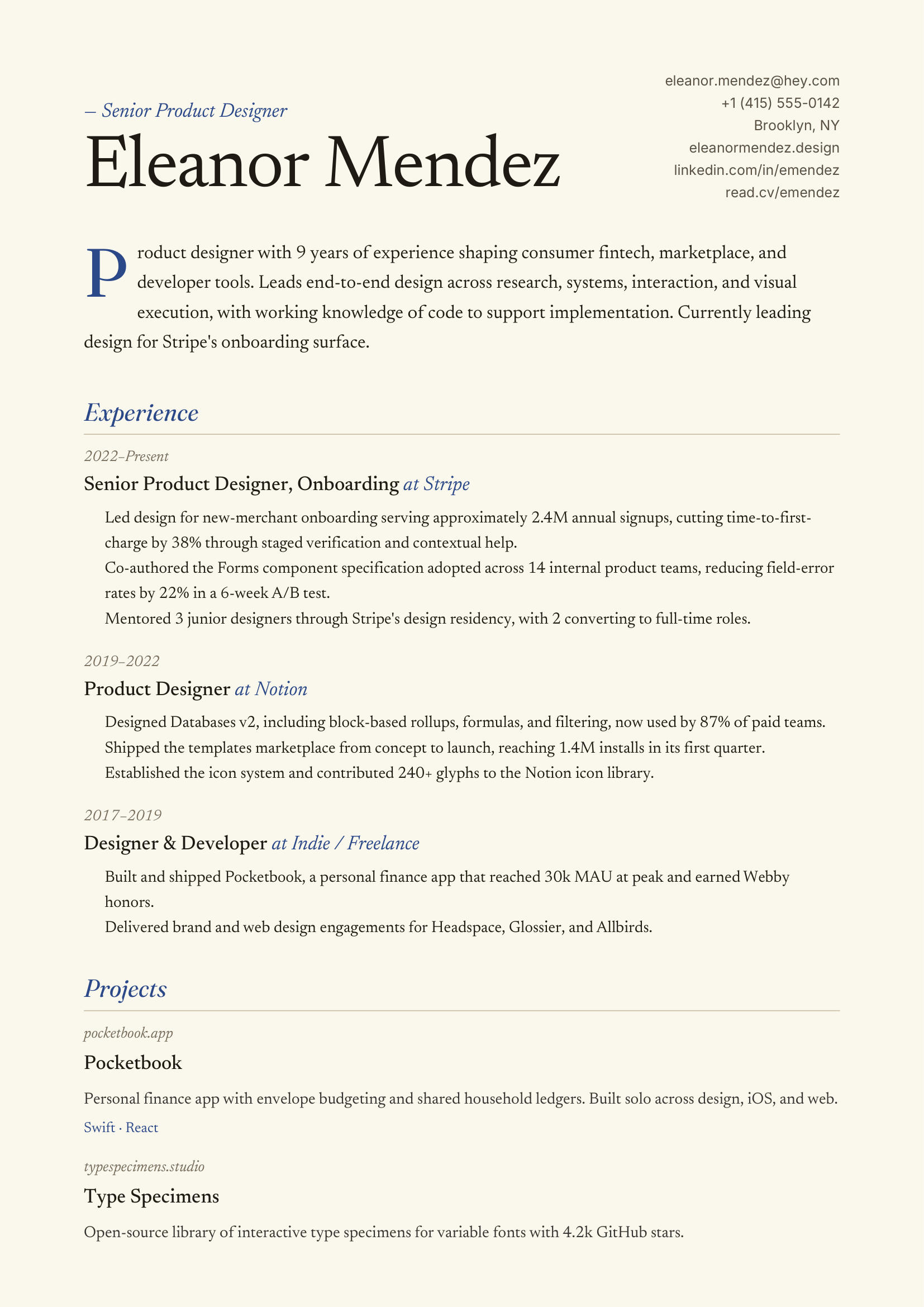
Italic accents, drop-cap, warm cream.
Creative · Asymmetric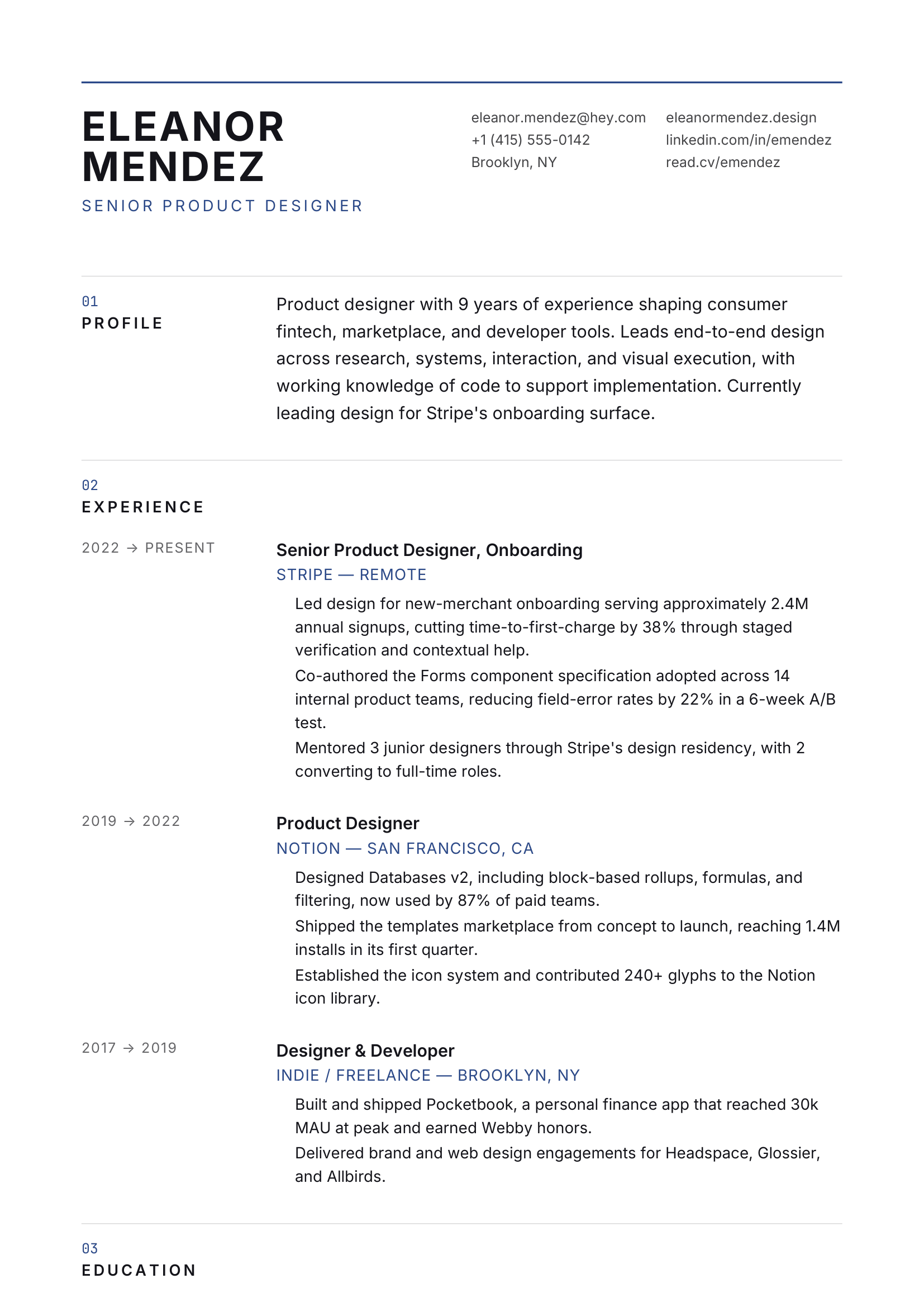
12-col grid, all caps headings.
Minimal · Architectural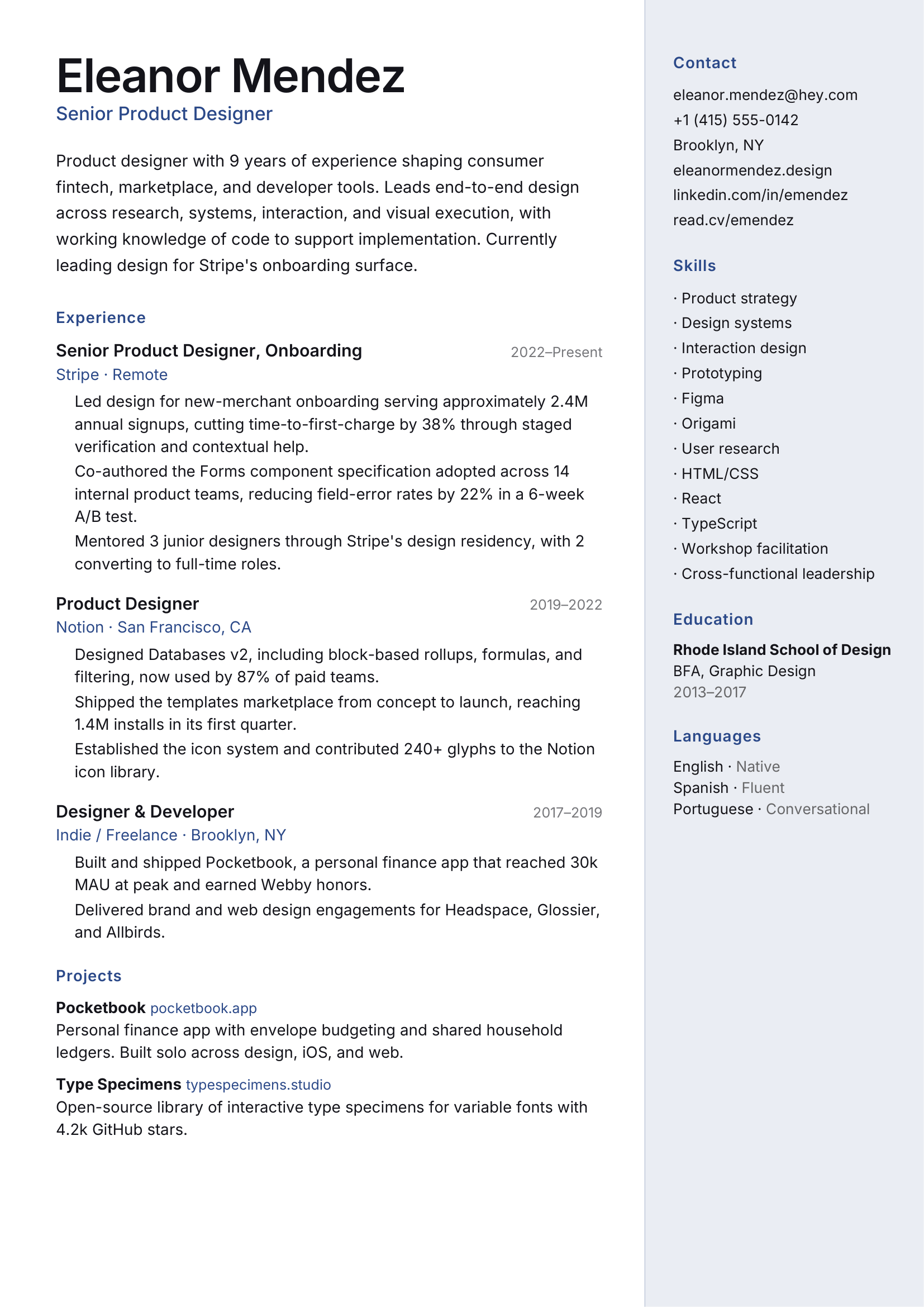
Soft accent sidebar, photo-friendly.
Modern · Sidebar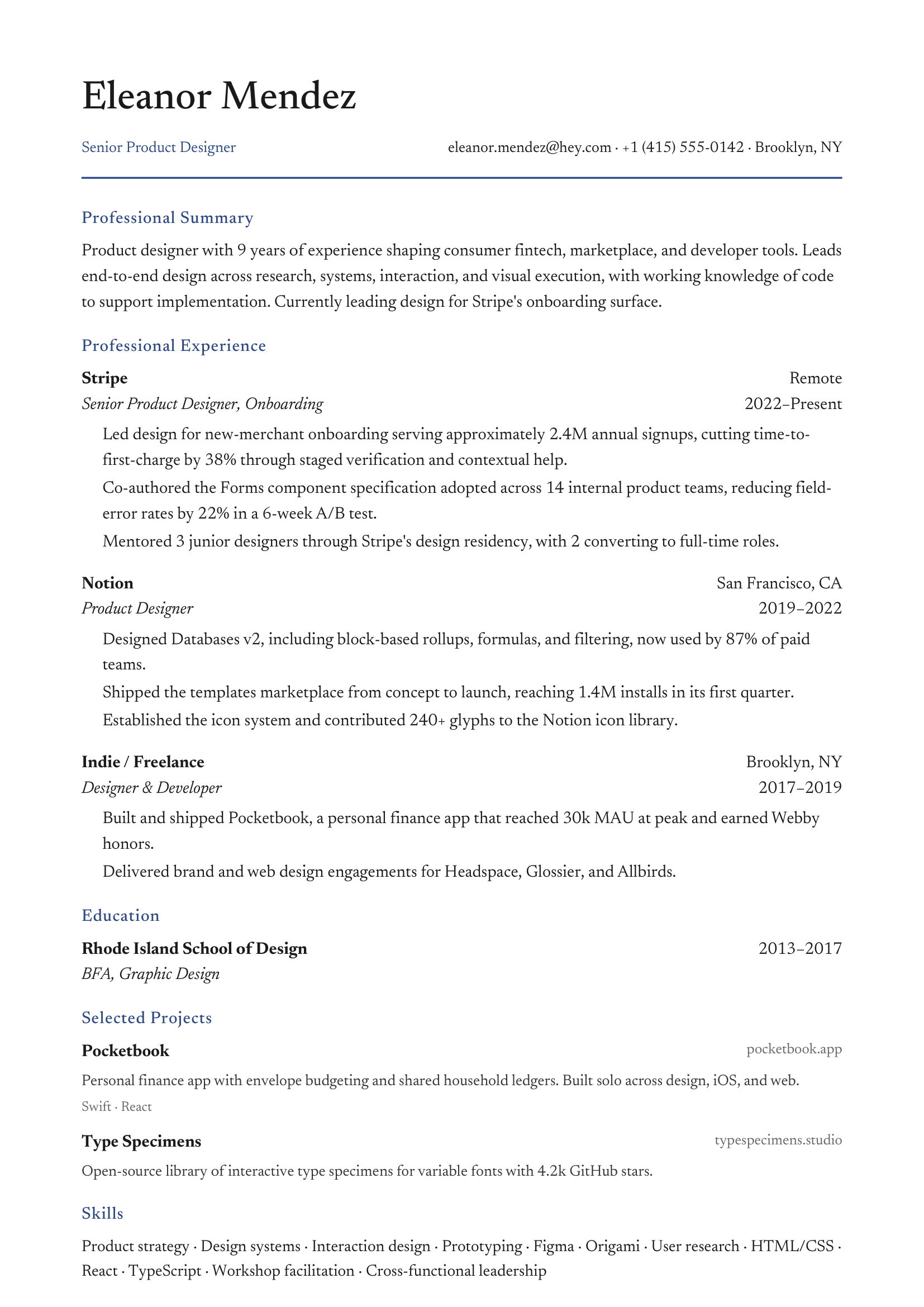
Clean serif, navy accent, single column.
Conservative · Finance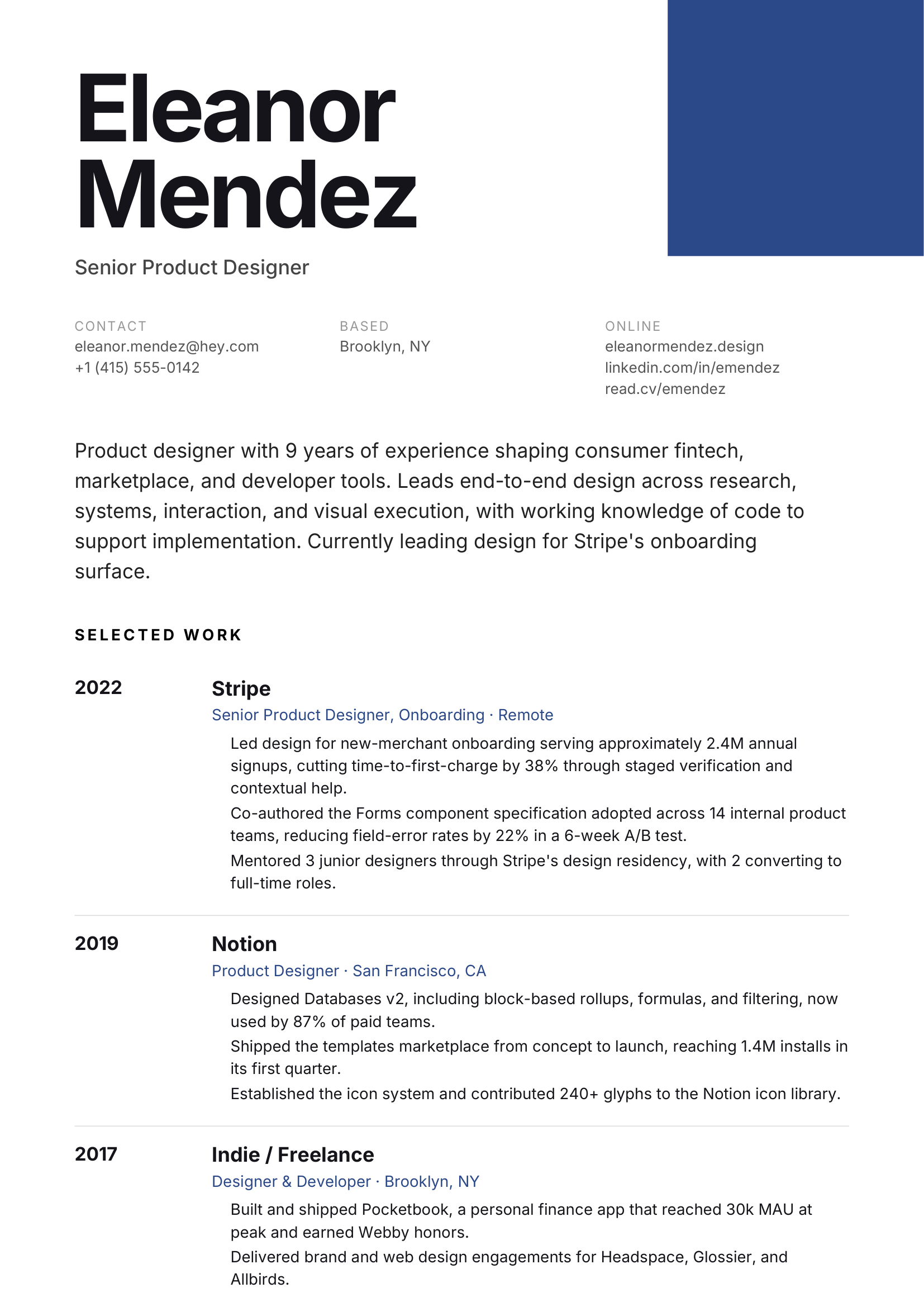
Color block, oversized name, grotesque.
Creative · Modern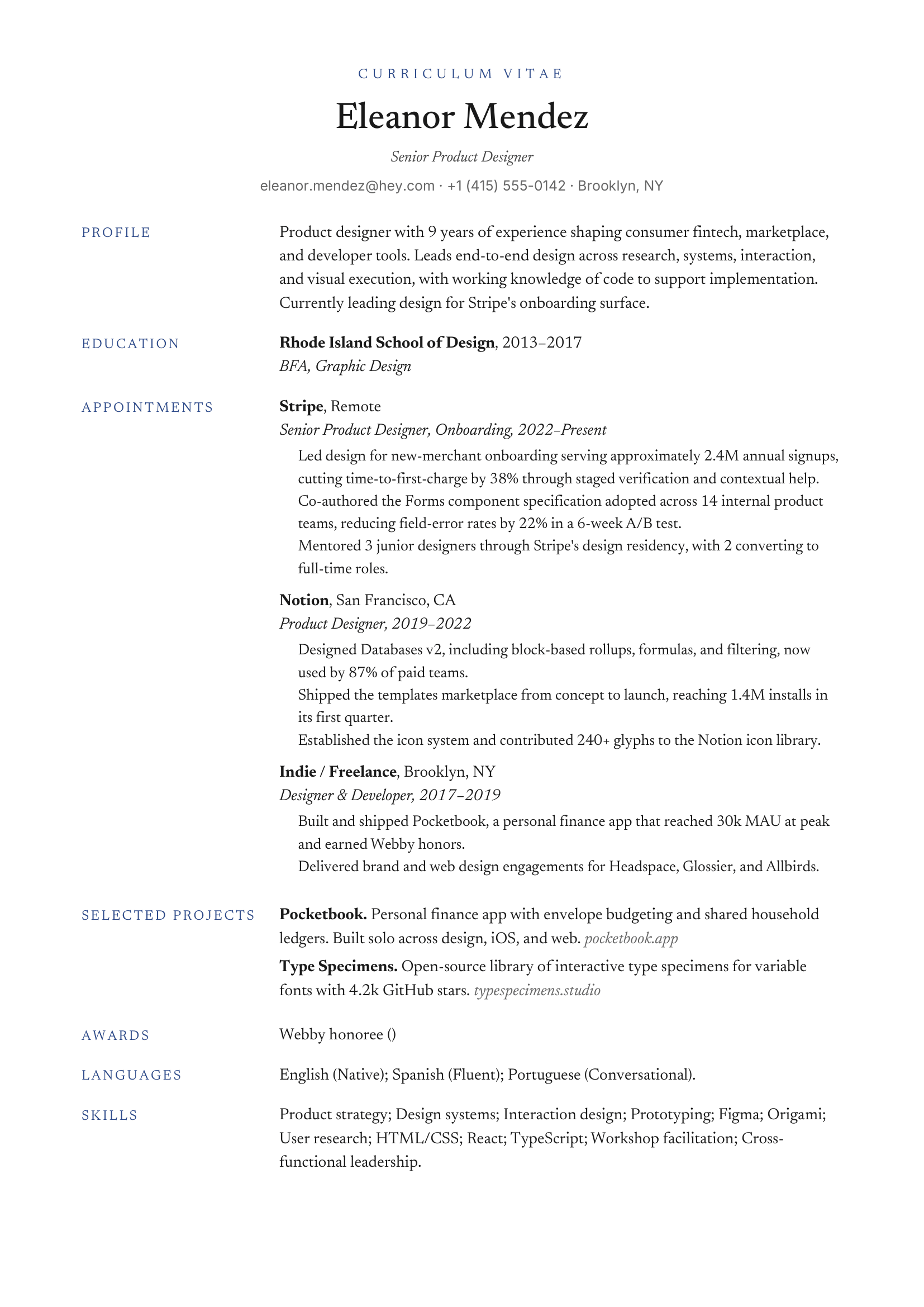
CV-style, publications-friendly, dense.
Academic · CV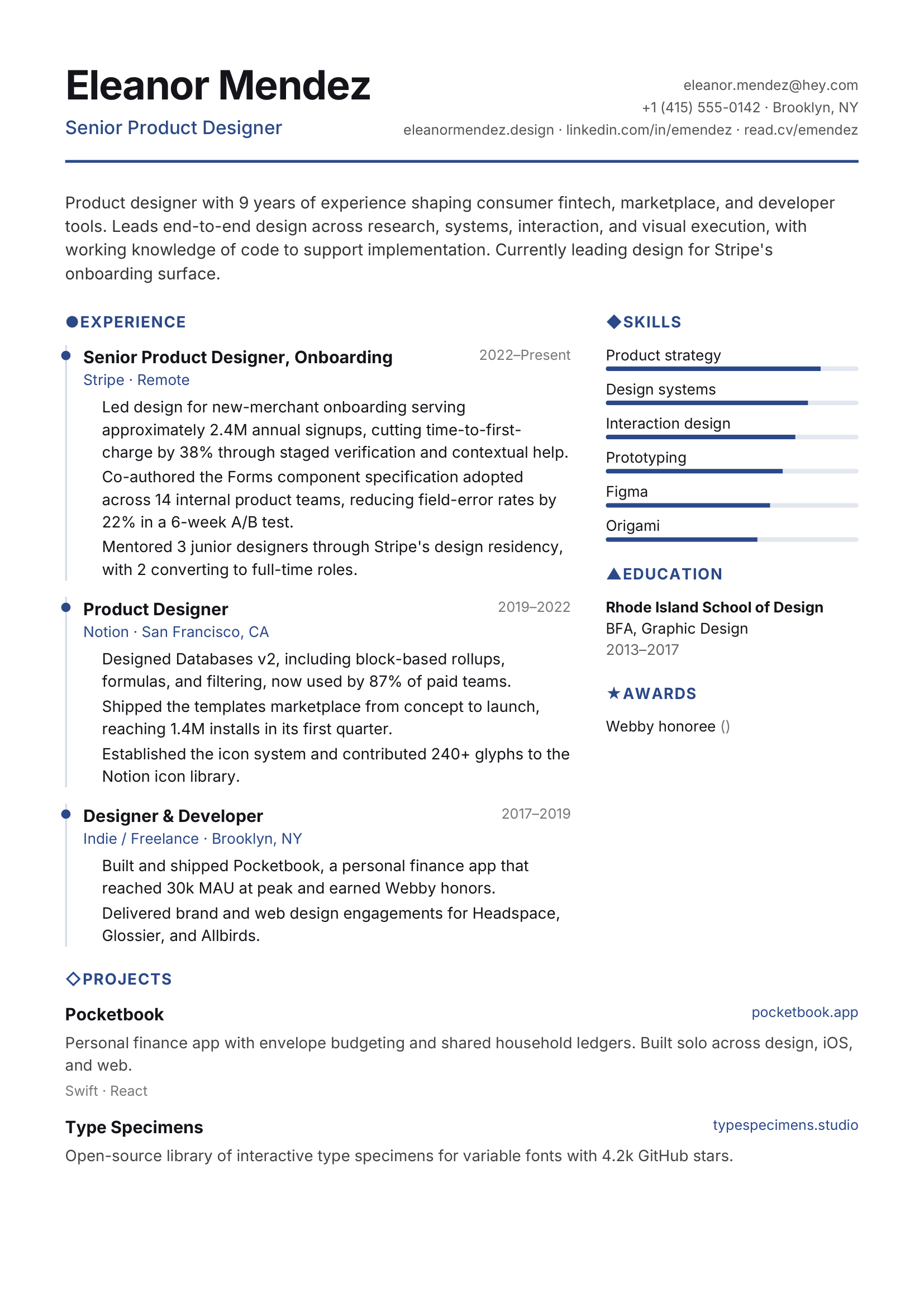
Color icons, optional skill bars.
Modern · Startup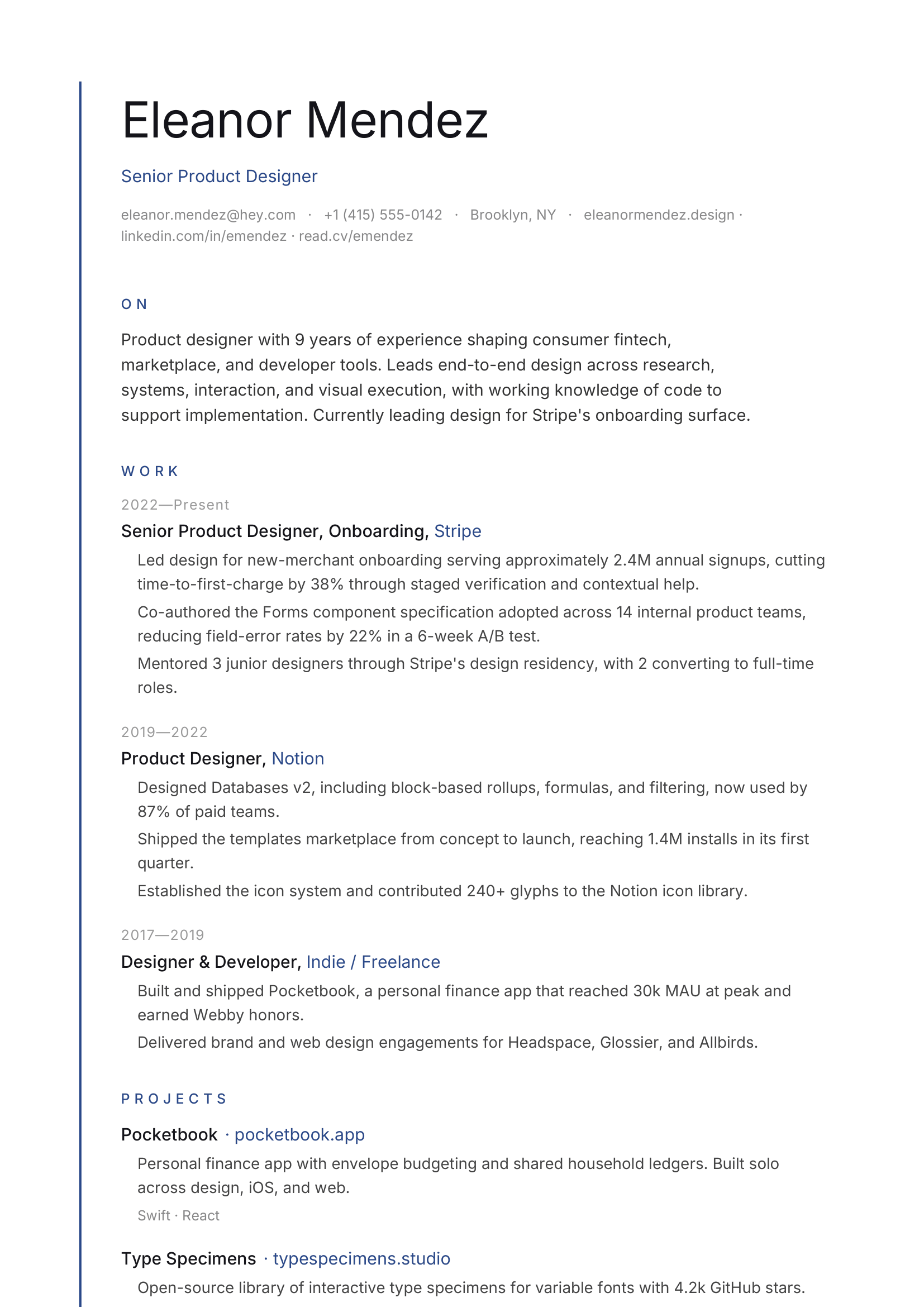
Vertical accent line, sparse, single sans.
Minimal · Japanese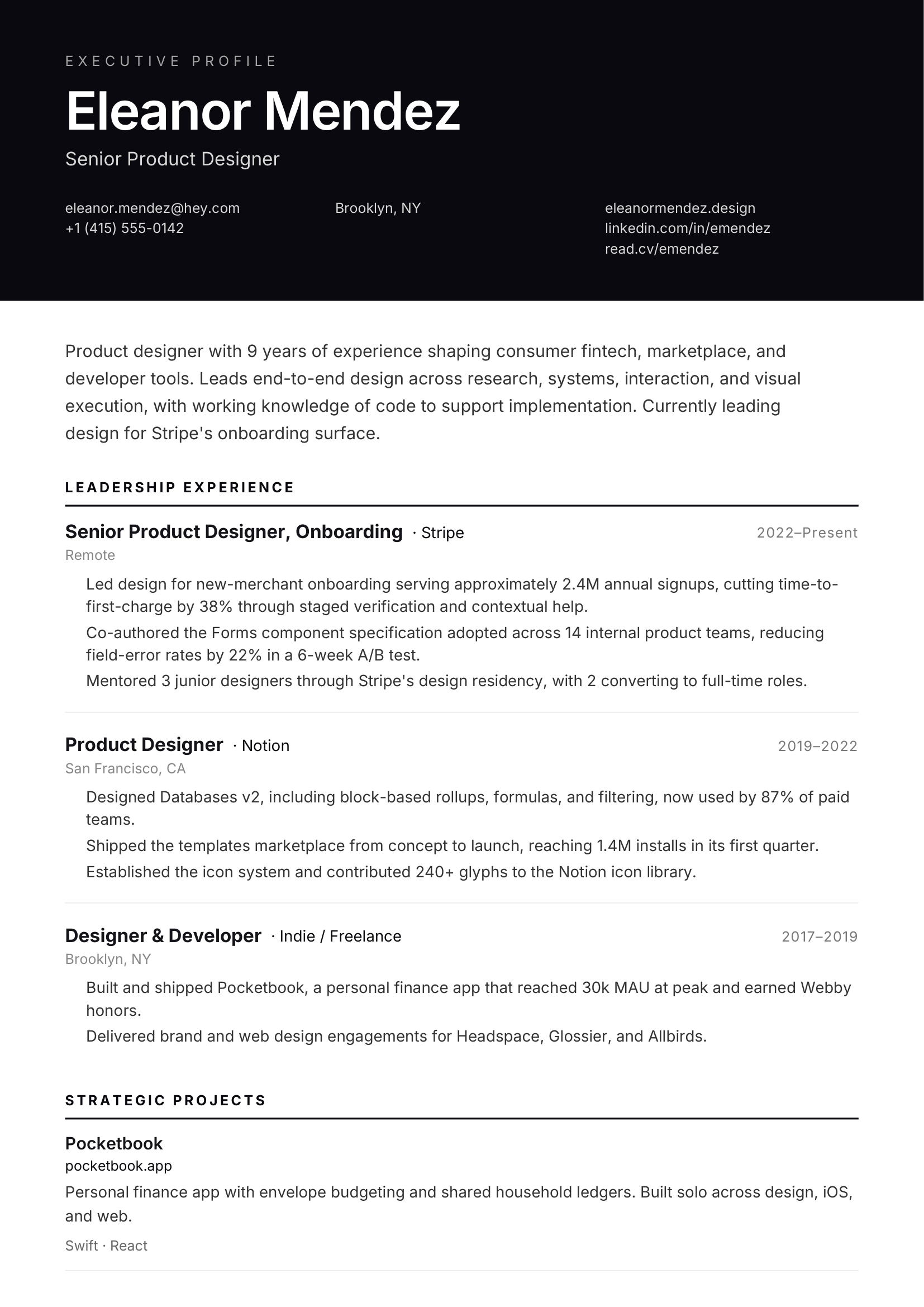
Top dark band, leadership-grade.
Executive · Header band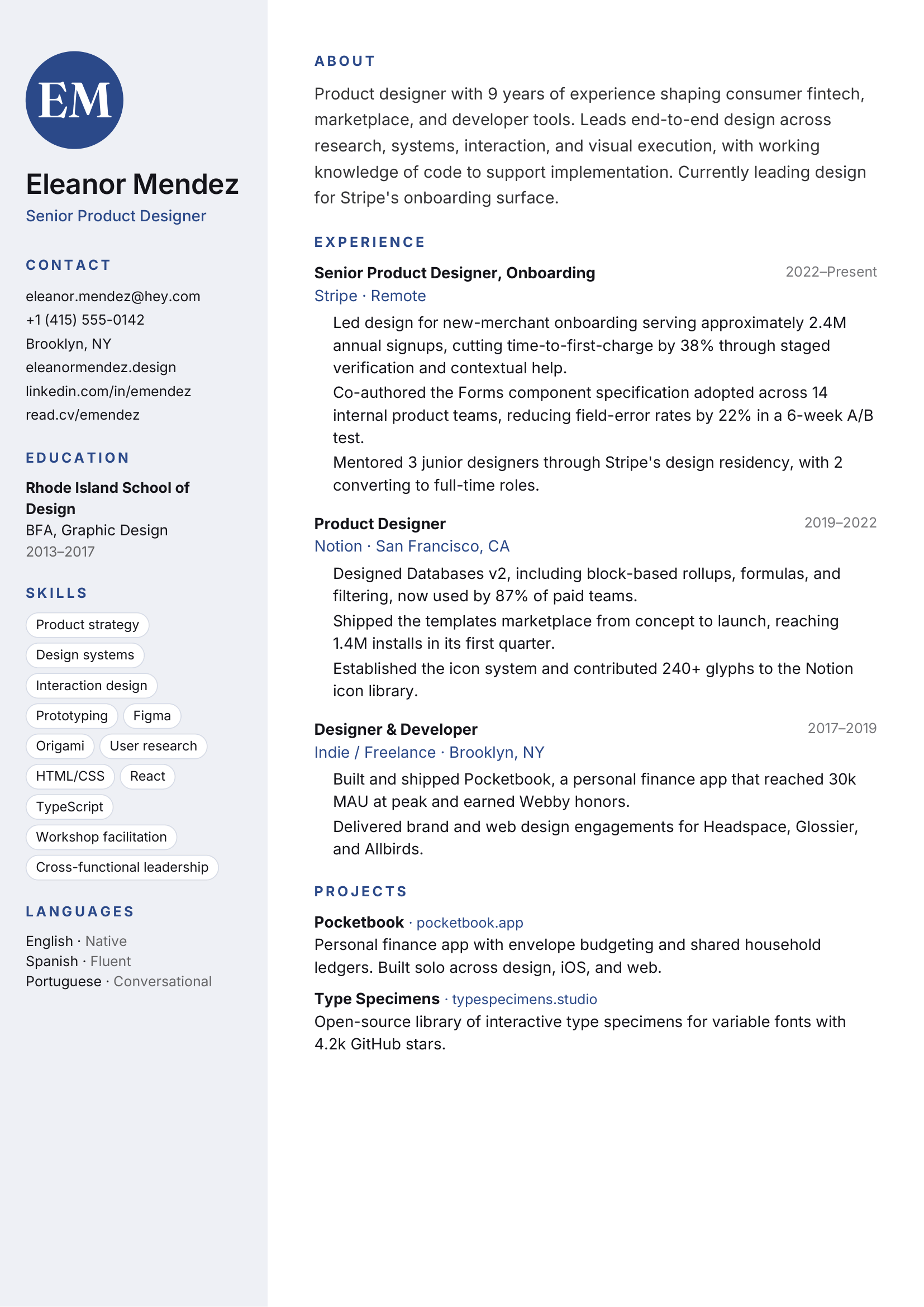
Soft color sidebar, monogram, friendly.
Entry-level · Soft sidebar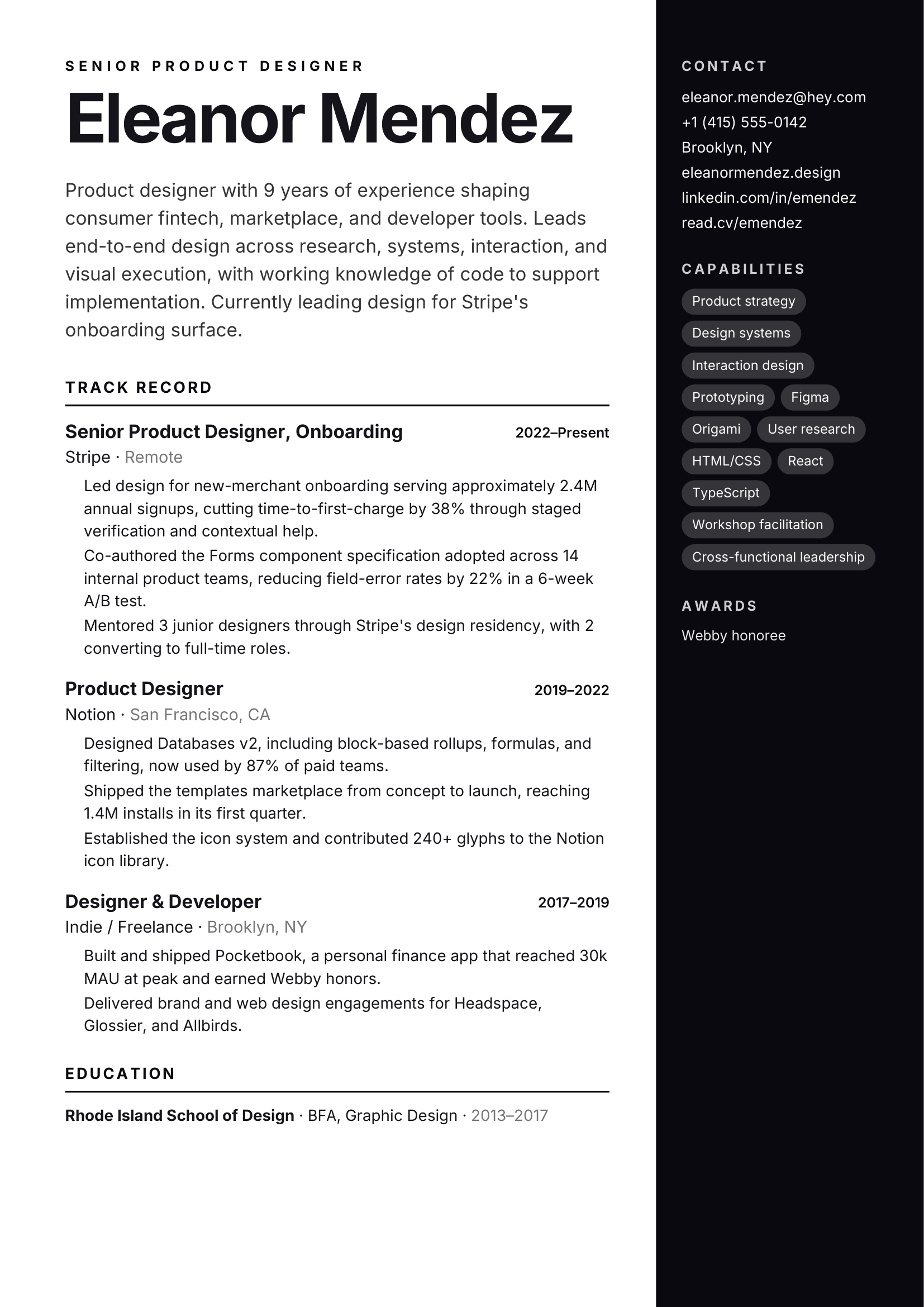
Full-color sidebar, oversized name.
Sales · Bold sidebar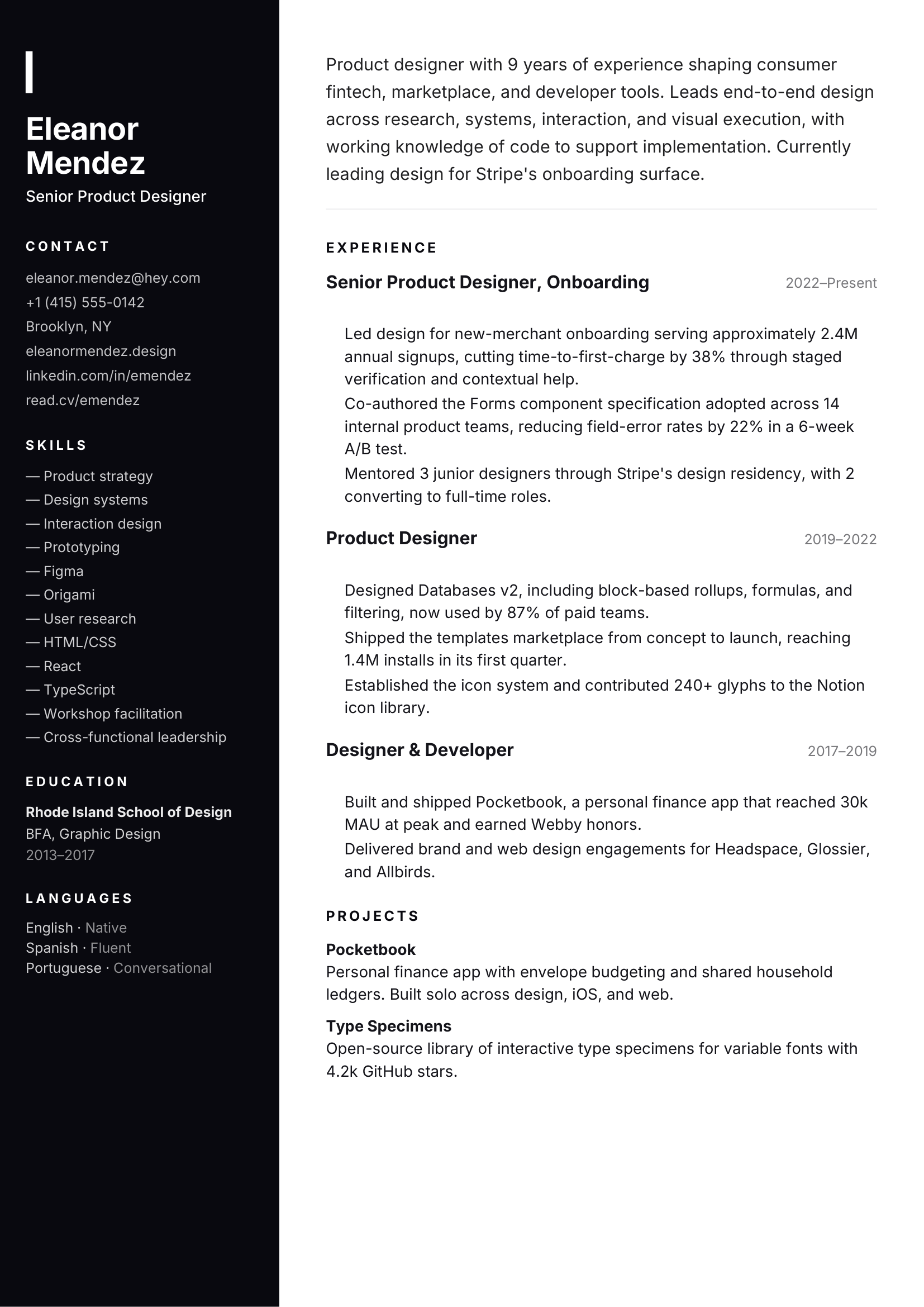
Full dark sidebar with accent rule.
Modern · Dark sidebarATS-friendly starts with clean information, predictable section labels, and real text. Design still matters once a recruiter opens the document, so ArcPixel gives both jobs their proper weight.
Its single-column reading order and restrained typography make it the conservative option for applications where parsing simplicity comes first.
Experience, education, and skills use recognizable sections rather than decorative substitutes.
The exported PDF keeps text selectable and copyable instead of flattening the page into an image.
No template can promise success in every ATS. Content quality, file handling, and the employer’s setup also matter.
PDF download requires Solo or Studio.
Use your resume as a factual reference, then write the project examples a short CV cannot explain. The resume and portfolio have separate editors, so review names, dates, and outcomes in both when your experience changes.
Three focused guides for the decisions that sit around the builder.
Separate reliable structure from vague ATS claims.
Read guide 02Reuse your experience without duplicating the work.
Read guide 03Place and label the link so it earns the click.
Read guideBring your current resume or begin with guided fields. You can see the finished page before you pay for a PDF download.
Structure your CV around the vacancy and keep your professional evidence separate from the employer's required attachments. Start with a complete example and adapt it using your own facts.