
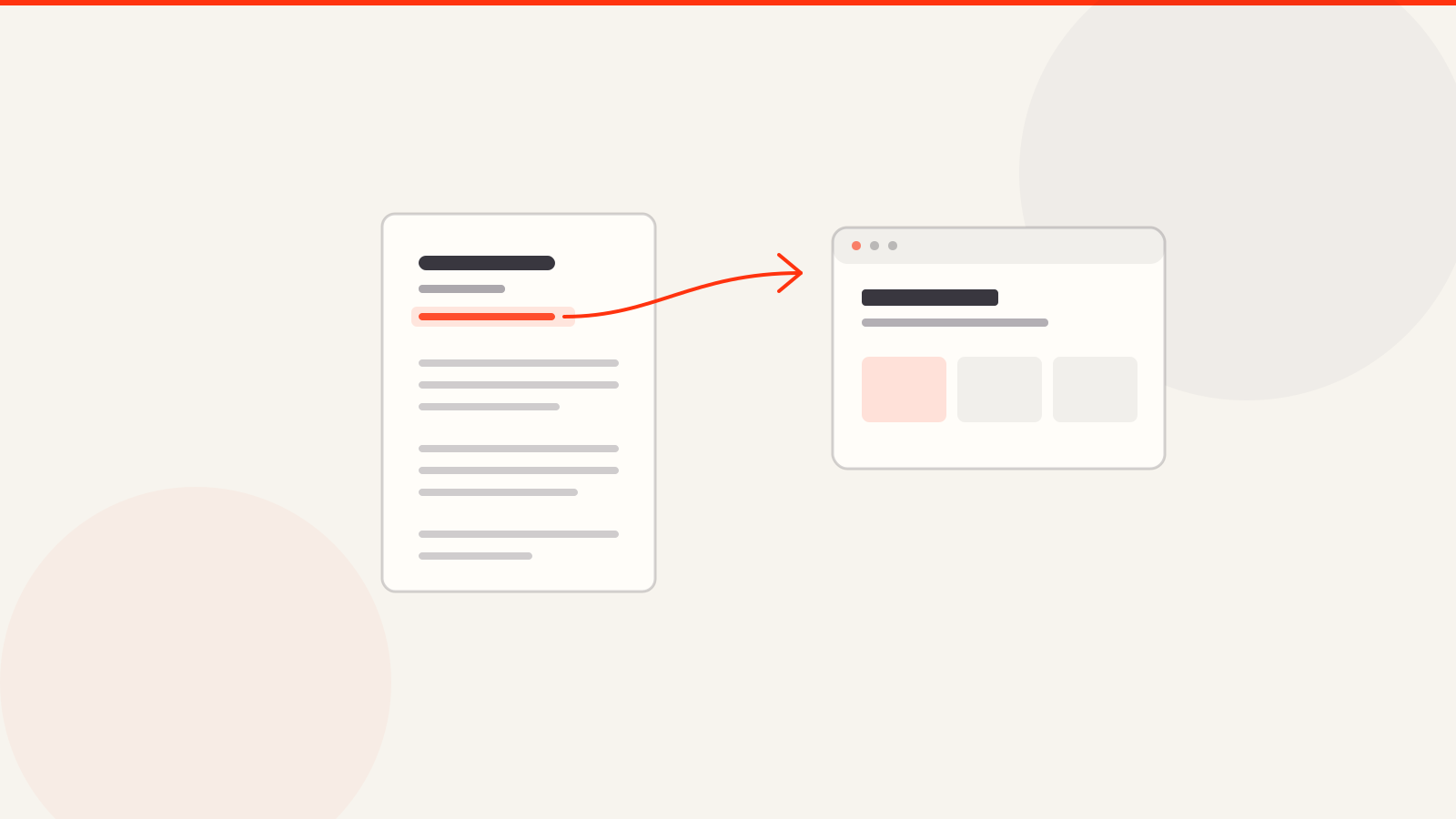
A portfolio link is the highest-leverage line on a resume. It's the only thing on the page that can turn a claim into proof without asking the reader to take your word for it. It's also the line most often formatted in a way that quietly stops working — not because the advice out there is wrong, exactly, but because it's written for how a resume looks to a human and ignores what happens to it in between.
This guide covers where the link goes, the parsing problem almost nobody mentions, how to write the URL itself, what the link needs to land on, and the mistakes that make a recruiter not bother clicking.
Where it goes: the header, with your contact details
Put it in the top block, alongside your email and phone number. Not in a "Links" section at the bottom, not buried inside a job description. The reasoning is about reading order rather than aesthetics: a recruiter scanning a resume decides within seconds whether to keep reading, and the header is the one region that always gets looked at. A link at the bottom is only found by someone who already decided you were worth the full read — by which point it's had no influence on that decision.
One caveat that matters more than it sounds: some resume templates put contact details inside an actual document header or footer region, and a number of parsers skip those regions entirely. If your name, email, and portfolio URL all live in a true header element, they can be absent from the parsed version of your resume completely. Keep the whole contact block in the body of the document.
The parsing problem nobody mentions
Here's the advice you'll find on nearly every article about this: don't paste an ugly raw URL, hyperlink a clean phrase like "View My Portfolio" instead. It looks tidier, and for a human reading the PDF it works fine.
The problem is what a text parser sees. When an applicant tracking system extracts text from your PDF, it generally takes the visible text and discards the underlying hyperlink target. So a resume that displays "View My Portfolio" as a hyperlink parses as the literal string "View My Portfolio" — four words, no address. The URL isn't hidden; it's gone. A recruiter reading your resume inside the ATS interface, rather than opening the original file, has nothing to click and no way to find your site.
Anchor text is for humans. The visible URL is for everything else that reads your resume in between.
The fix is not to choose one or the other — it's to make the visible text and the link target the same string:
- Write the URL out as visible text:
yourname.arcpixel.iooryourname.com. That's the version that survives parsing, because it *is* the text. - Also make that visible text a real hyperlink, so a human reading the PDF can click it directly rather than retyping it.
- Skip the
https://andwww.in what's displayed — they add length without adding meaning, and every browser resolves the address without them. - Verify it survived: export the PDF, select all, copy, and paste into a plain text editor. If you can't see the actual address in that paste, neither can a parser.
Write a URL someone could retype from memory
Assume at some point your resume gets printed, or screenshotted, or read on a screen where clicking isn't possible. The address should be short enough that someone can type it into a browser after glancing at it once.
- Your name is the best possible slug.
sarahchen.comorsarah-chen.arcpixel.ioneeds no explanation and is instantly associated with you. - Avoid link shorteners. They look like tracking, some corporate networks block them, and a shortened link tells the reader nothing about where it goes before they click.
- Avoid deep paths.
yoursite.com/work/2024/case-studies/project-threeis not something anyone retypes. Link the top level and let the page do the routing. - One link, not four. A portfolio, a LinkedIn, a GitHub, a personal blog, and a Behance all in the header reads as indecision. Pick the one that best proves the specific thing this job needs; put the rest on the site you linked.
The link is only as good as what it opens
The most common way a portfolio link fails isn't formatting at all — it's that the page it opens doesn't answer the question the resume just raised. A recruiter clicks because a bullet point interested them. If they land on a homepage with a large hero image, an About section, and no visible work, the connection breaks and they go back to the resume.
- The first screen should show actual work, not a greeting. Someone who clicked from a resume already knows who you are; they came to see what you made.
- Whatever your resume emphasized should be findable within one scroll. If the resume says you redesigned an onboarding flow, that project shouldn't be fourth in the grid.
- The page has to load and render on a phone. A meaningful share of these clicks happen on a phone between other tasks.
- Don't link something behind a login, a request-access wall, or a file download. A link that asks the recruiter to do anything before seeing work is a link they abandon.
Format comparison
| What you put on the resume | Human sees | Parser extracts | Verdict |
|---|---|---|---|
| Hyperlinked "View My Portfolio" | A clean clickable phrase | "View My Portfolio" — no address | Avoid — the URL disappears |
Raw https://www.yourname.com/ | A slightly cluttered address | The full address | Works, but longer than it needs to be |
yourname.com, hyperlinked | A clean clickable address | The address | Best — readable and parseable |
Shortened bit.ly/xyz123 | An opaque link | The short URL | Avoid — looks like tracking, may be blocked |
| Link inside a document header region | Fine on screen | Often nothing at all | Avoid — keep it in the body |
Mistakes that cost you the click
- Adding the link before the site is finished. A half-built page costs more trust than no link — the recruiter has now seen your work and it's a placeholder.
- Letting the link go stale. A dead portfolio URL on a resume is worse than a plain resume; it reads as inattention to the one detail you chose to highlight.
- Using a different name than the resume. If the resume says Sarah Chen and the site says "SC Studio" with no name visible, the reader can't confirm they're in the right place.
- Linking a cloud folder. A shared drive of loose files isn't a portfolio; it's homework you've assigned to the recruiter.
- Never testing it logged out. Open the link in a private window before sending — access permissions that work for you don't necessarily work for anyone else.
Where ArcPixel fits
ArcPixel provides a resume editor and a portfolio editor in one account. You can publish a portfolio at a chosen yourname.arcpixel.io address on an eligible plan and place that visible address in your resume. Review names, roles and dates in both documents when you update either one. Exported PDF text and links should be checked before sending.
See the resume builder and plans for current features. The ATS guide covers common parsing problems, and the portfolio guide explains what to show at the destination link.
No portfolio yet? How to make a portfolio for a job covers what to include, and the resume to portfolio website generator shows how to build one from the resume you already have.
- Should I hyperlink the text or paste the full URL?
- Do both to the same string — display the readable address (
yourname.com) as visible text and make that text the hyperlink. Hyperlinking a phrase like "View My Portfolio" means a text parser extracts only those words and loses the address entirely. - Where exactly should the portfolio link go on a resume?
- In the top contact block with your email and phone, in the body of the document. Not in a document header or footer region, which some parsers skip, and not in a links section at the bottom, which only gets read by someone already convinced.
- Should I include `https://` in the link?
- No need.
yourname.comis shorter, reads more cleanly, and resolves fine in every browser. Keep the hyperlink target complete, but the displayed text can drop the protocol. - How many links should I put on my resume?
- Ideally one, at most two or three. A portfolio plus LinkedIn is a reasonable pair. Five links in a header reads as indecision — put the rest on the site you linked to.
- Is a link shortener okay for a resume?
- Avoid it. Shortened links look like tracking, tell the reader nothing about the destination before clicking, and are sometimes blocked on corporate networks.
- Do recruiters actually click portfolio links?
- For roles where the work is visual or demonstrable, yes — often before reading the resume in full. For roles where it isn't relevant, frequently not, which is why the link should never carry information the resume itself needs to state.
- What if my portfolio isn't finished yet?
- Leave the link off until it is. A recruiter who clicks through to a half-built page has now formed an impression of your work; no link at all is strictly better than an unfinished one.
- Should I link my portfolio or my LinkedIn?
- The portfolio, when the job cares about work samples — it shows the work itself rather than a list of roles. LinkedIn duplicates what the resume already says, so it adds the least new information of the two.
- Can I put the portfolio link inside a job description bullet?
- You can, and it works well as a *second* placement pointing at a specific project — but it shouldn't replace the header link. Someone skimming shouldn't have to read the bullets to discover you have a portfolio.
- How do I check that my link survived the PDF export?
- Open the exported PDF, select all, copy, and paste into a plain text editor. If the actual address doesn't appear in that pasted text, a parser won't find it either.
- Does a custom domain look better than a subdomain?
- Marginally, but it matters far less than length and clarity. A short, name-based subdomain reads better than a long custom domain, and neither affects whether a recruiter clicks nearly as much as what the page shows when they land.
- What should the portfolio homepage show to someone arriving from a resume?
- Work, immediately. They already know who you are — they clicked from your resume. A first screen given over to a greeting or an About section spends the visit on something they didn't come for.

