A personal website helps you get a job when your work can be shown, when you are changing careers, freelancing or applying abroad, or when many applicants have similar resumes. It adds little for applications that only go through a portal form. Keep it simple: headline, two to four projects, a short about section, your resume and contact details.
A personal website will not get you a job on its own, and nobody can honestly promise a percentage boost. What it does is give a reviewer who is already interested a way to see your work and understand you better than a two-page resume allows. Whether that is worth an afternoon depends on your field and how you apply.
When a personal website is worth it
| Situation | Why it helps |
|---|---|
| Your work can be shown (marketing, writing, teaching, design, development, analysis, project management) | A reviewer can see the work instead of imagining it from a bullet point |
| You are changing careers | Projects in the new field carry more weight than job titles from the old one |
| You freelance or want to | Clients look you up before they reply; a site answers their questions |
| You apply internationally or remotely | A link works across time zones and makes you easy to research |
| Many applicants have similar resumes | Evidence of real work is a reason to choose you |
| You are a student or graduate | Coursework and projects fill the gap that work experience would |
When it adds little
- Applications that only accept a portal form with no website field.
- Roles decided mainly by a licence, test or registration, where the credential is the deciding factor.
- Jobs where you cannot show any work because everything is confidential; a well-written resume and references matter more.
- When you would publish it half-finished. An abandoned site with placeholder text hurts more than no site.
Personal website vs LinkedIn
| LinkedIn profile | Personal website | |
|---|---|---|
| Who controls the layout | You | |
| Best for | Being found by recruiters searching LinkedIn, endorsements, networking | Showing projects in depth with images, documents and links |
| Project detail | Limited featured section | As much as each project needs |
| Address | linkedin.com/in/your-name | Your own domain or a builder's address |
| Verdict | Have one either way | Add one when your work benefits from being shown |
They work together: link the website from your LinkedIn profile and resume header, and link LinkedIn from the website. The portfolio vs resume guide explains how the documents divide the work.
What to put on a personal website for a job search
- Headline: your name and the role you want, in one line.
- Two to four projects, each with problem, your part, result and evidence.
- About: three to five sentences on the work you want and how you approach it.
- Resume: a short summary on the page and a PDF to download.
- Contact: email and LinkedIn. Leave out your home address; a phone number is optional.
Five-section personal website — fictional example
Home: Jordan Lee — Operations coordinator moving into project management
Projects: Office move for 40 people, planned in 6 weeks · New supplier onboarding checklist used by the whole team
About: Three sentences on organising work, communicating clearly and the kind of team Jordan wants to join
Resume: Summary of roles and a downloadable PDF
Contact: Email and LinkedIn
For what to show in your field, see portfolio examples for jobs; for the full process, how to make a portfolio for a job.
How much does a personal website cost?
| Option | Cost | What you get |
|---|---|---|
| Google Sites | Free | Simple pages on a Google address; you arrange everything yourself |
| Canva websites | Free to publish on a Canva-branded address | More design freedom; check what needs Canva Pro |
| GitHub Pages | Free | Full control if you write or adapt code |
| ArcPixel | Build and preview free; publishing from $19.99/month | Portfolio filled from your resume, yourname.arcpixel.io address or your own domain, resume and cover letter in the same account |
| Your own domain | A yearly fee to a domain registrar | yourname.com, connected to whichever builder you use |
A builder's address such as yourname.arcpixel.io is enough for job applications. A custom domain looks a little more established and stays the same if you change tools, but it is not required. The best free portfolio builders comparison shows what each free option publishes.
Getting the most out of the site
- Put the link in your resume header, LinkedIn profile, email signature and every application's website field.
- In cover letters, point to one specific project: "You can see how I handled a similar launch at [link]."
- Update it when you finish something new; a date on recent projects shows the site is current.
- Check it on a phone and in a private browser window before every round of applications.
Making one from your resume
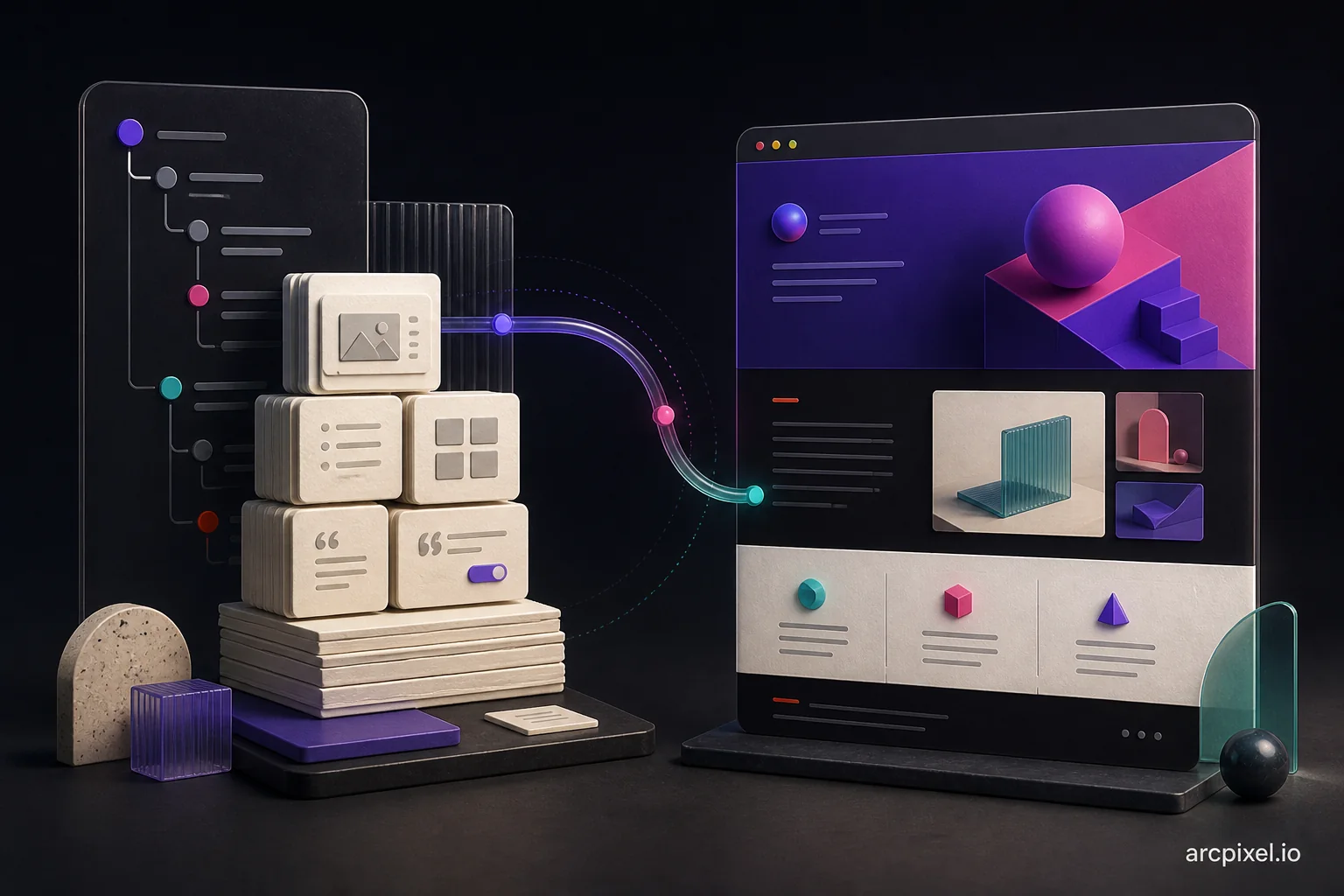
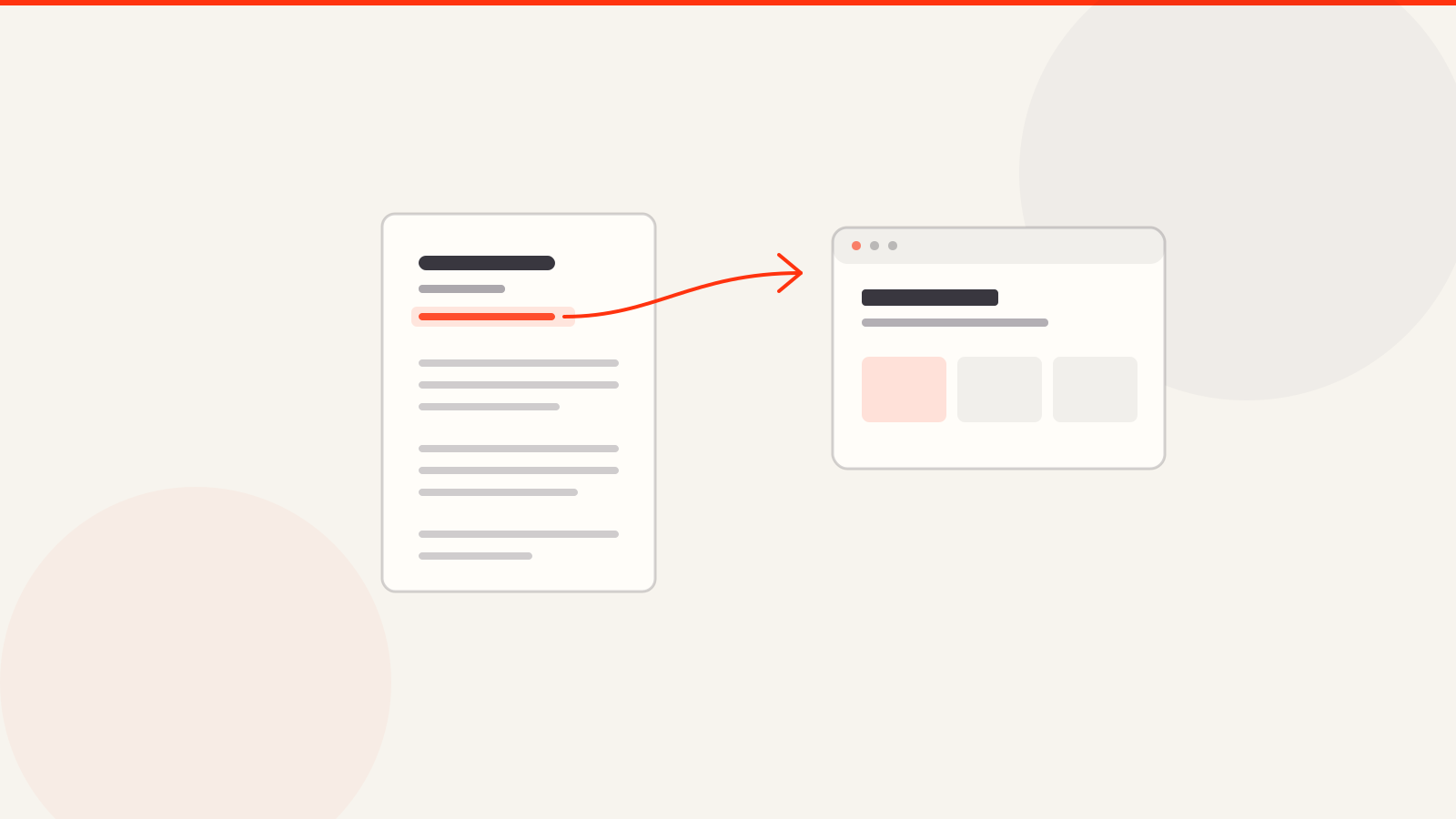
If you have a resume, ArcPixel's portfolio builder can turn it into a first draft: Fill with AI moves your experience, skills and projects into a design, then you add evidence and publish at yourname.arcpixel.io or your own domain. Building and previewing are free; publishing needs a paid plan (pricing). See the resume to portfolio website generator for the steps.
- Does a personal website help you get a job?
- It helps when your work can be shown, when you are changing careers or freelancing, or when resumes in your field look alike. It is rarely decisive on its own, and it adds little for portal-only applications.
- Is a personal website worth it for a job seeker?
- Usually yes if you can show two to four real projects. If you cannot show any work, spend the time on your resume and LinkedIn instead.
- Should I put my personal website on my resume?
- Yes, in the header next to your email and LinkedIn. See the portfolio link on resume guide for layouts.
- Do I need a custom domain?
- No. A builder's address works for applications; a custom domain is a nice-to-have that stays the same if you switch tools.
- What is the difference between a personal website and a portfolio?
- For a job search they are mostly the same thing. A portfolio focuses on projects; a personal website may also include writing, an about page and your resume.