
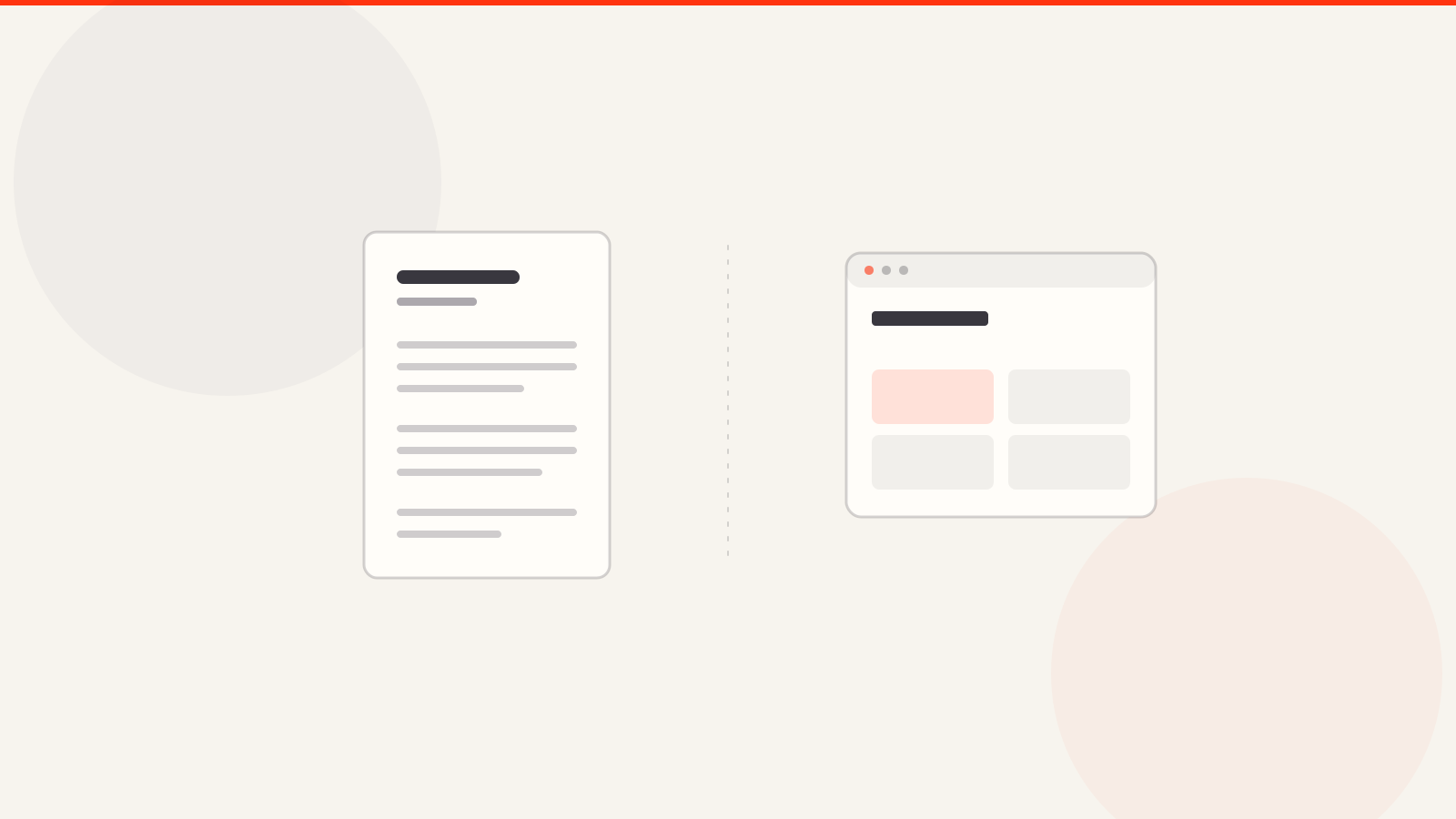
Send a website when the reader should explore your work, and a PDF when the application needs an attachment or offline review. A website is easier to update and can hold more context; a PDF is fixed, portable and predictable. Many applications are best served by a PDF resume that links to your portfolio.
Send a portfolio website when the employer accepts a link and you want them to explore projects, images or live work. Send a PDF when the application requires an attachment, the reviewer may be offline, or the portfolio must keep a fixed order. If both are accepted, a short PDF with a link to the full site can serve both needs.
Website and PDF compared
| Need | Website | |
|---|---|---|
| Update after sending | The same link can show revised work | A sent copy stays fixed |
| Interactive project | Can link to live work and code | Screenshots and written explanation |
| Application attachment | Link only unless the form supports it | Fits a requested file upload |
| Offline review | Requires access to the site | Can be saved and read without a connection |
What should go in each?
Put the full context of two or three selected projects on the site: brief, role, decisions and evidence. In a PDF, keep only the most relevant projects for that recipient. Use descriptive captions instead of filling pages with screenshots. If a hiring manager wants one file, do not substitute a website link for the file upload.
Fictional example for a product designer
Application form: upload a portfolio PDF under the stated size limit.
PDF: two relevant case studies, each with role and outcome.
Resume: include the portfolio URL in the contact section.
Website: keep full process images and any prototype links.
Check both formats before sending
- Open the website on a phone and a slower connection; check that the first project loads and contact information is easy to find.
- Open the PDF in a separate viewer; check page breaks, image quality and selectable text.
- Use the same name, role dates and project claims as your resume.
- Check that every external project link works without signing in.
Start with portfolio templates if you need a website layout, and read portfolio versus resume if you are deciding which content belongs in each document.
- Can I put a website link in a PDF portfolio?
- Yes. Put a short, working URL near your name and on relevant project pages. Test the link after export.
- Is a PDF portfolio enough for a developer?
- It can summarize work, but a live demo or repository link may provide evidence a fixed document cannot show.
