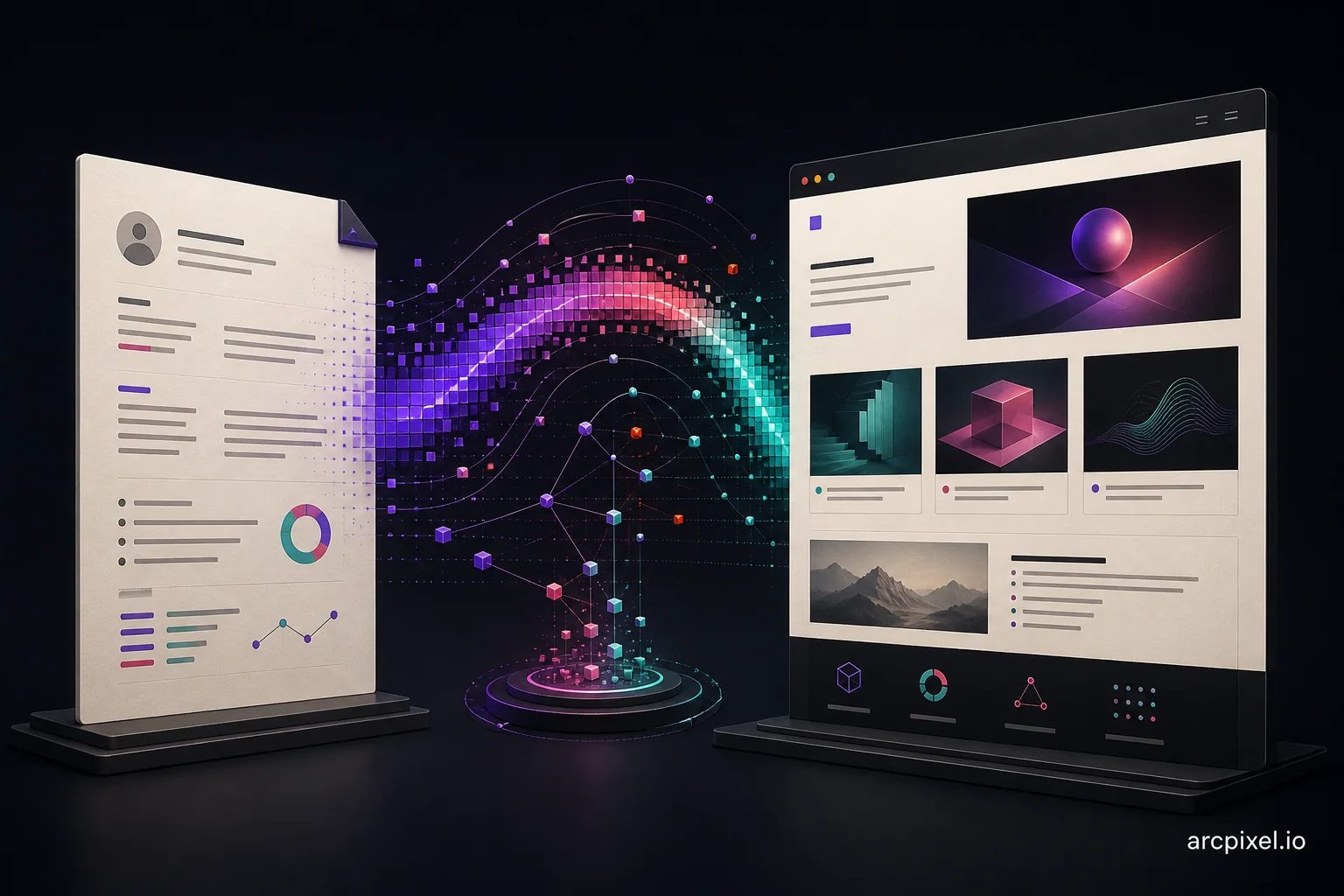
The best resume and portfolio builder is one that makes both from the same facts and publishes the portfolio at a link you control. ArcPixel, Kickresume and VisualCV build a resume, cover letter and personal website in one account. Canva does both with more design freedom, and Wix suits people who want a full website.
ArcPixel publishes this comparison and sells one of the products discussed. Competitor facts come only from each provider's own pages, read on 1 and 8 October 2026; prices and plans change, so check them before you pay. This is a feature comparison, not a timed test or a claim about hiring results.
Why use one tool for your resume and portfolio?
Your resume and portfolio describe the same work, so keeping them in one place saves retyping, keeps dates and job titles consistent and usually means one subscription instead of two. The trade-off is that an all-in-one tool rarely matches a specialist on every feature. If you need a large multi-page website, a dedicated website builder plus a separate resume tool can still be the better combination.
Resume and portfolio builders compared
| Tool | Resume and cover letter | Website you get | Your address | Price (checked Oct 2026) |
|---|---|---|---|---|
| ArcPixel | 16 resume and 9 matching cover-letter templates | Project portfolio sites, filled from your resume with AI | yourname.arcpixel.io or your own domain | Build and preview free; Solo $19.99/month or $199.99/year |
| Kickresume | 40+ templates each on Premium; 4 free | A personal website made from your resume; 7 templates, 1 free | kickresume.com/cv/your-name in its own example | $9 for a month or $4/month billed yearly; free for verified students |
| VisualCV | 30+ templates; cover letters on Pro | A personal professional website on Pro | Check before buying | Pro $16/month billed quarterly; free plan has no PDF download |
| Canva | Large free resume template library | Design-led one-page sites | Canva-branded address on the free plan | Free; some fonts and elements need Pro |
| Wix + a resume tool | Not built in; pair it with a resume builder | Full websites with portfolio templates | Custom domain on paid plans | Website plans vary; resume tool priced separately |
Prices and plan contents come from each provider's own pages on the dates shown and change often. Check the current plan before paying, and compare what you would spend over the months you expect to job-hunt, not just the first payment.
ArcPixel: best for a project portfolio built from your resume
ArcPixel is built around three documents: a resume, a cover letter and a portfolio website. In the portfolio builder, Fill with AI reads an ArcPixel resume or an uploaded PDF, DOCX or text file and fills a portfolio design with your experience, skills and projects; you add evidence and edit every word. Portfolios publish at your chosen yourname.arcpixel.io address or a domain you own. The editor also works in Arabic with right-to-left documents.
- Best for: job seekers whose work benefits from being shown, career changers, Arabic and English applicants.
- Watch out for: publishing and PDF export are paid; there is no student plan, ATS checker or mobile app.
Kickresume: best for a low-cost resume with a web version
Kickresume is the cheapest paid option here and free for students with ISIC, ITIC or UNiDAYS verification. It has the largest document template library of the five and says its website builder turns your resume into a personal website with a single click. The website is a web version of your resume rather than a project portfolio. Our Kickresume alternative page compares the two in detail.
- Best for: students and anyone who mainly needs documents at a low price.
- Watch out for: six of its seven website templates are premium, and its example address sits on kickresume.com.
VisualCV: best for resume analytics
VisualCV's Pro plan bundles unlimited resumes and PDF downloads, a cover letter builder, a personal professional website, shareable links and resume performance analytics that track views and downloads. The free plan lets you try templates but does not include PDF downloads, the website or the cover letter builder. VisualCV states a 30-day money-back guarantee on its pricing page.
- Best for: people who want to see whether their resume link is being opened.
- Watch out for: almost everything useful is on Pro, billed quarterly.
Canva: best when design matters most
Canva has a large free resume template library with free PDF downloads, and it can publish simple websites on a Canva-branded address. It gives you the most visual control of the five. That freedom cuts both ways: multi-column designs can confuse the applicant tracking systems many employers use, so run the copy-paste test from the ATS resume guide before you upload a Canva resume.
- Best for: visual roles and people comfortable designing their own layout.
- Watch out for: nothing is filled from your resume; some elements need Canva Pro.
Wix plus a resume tool: best for a full website
Wix is a general website builder with portfolio templates and wide design control, so it suits people who want more than a job-search site, for example freelancers adding services, a blog and booking. It does not build your resume, so you would pair it with a resume builder and keep the two in sync yourself.
- Best for: freelancers and anyone planning a multi-page site.
- Watch out for: two tools to maintain and two costs.
Resume website vs portfolio website: which do you need?
| Resume website | Portfolio website | |
|---|---|---|
| What it is | Your resume as a web page | Selected projects with the problem, your part and the result |
| Best for | Making your resume easy to share | Showing work a reviewer can judge |
| Typical tools | Kickresume, VisualCV | ArcPixel, Wix, Canva |
If your field has visible work (marketing, teaching, writing, design, development, analysis, project management), a portfolio gives a reviewer more to go on. If your work is mostly confidential, a resume website or a strong resume alone may be enough. The portfolio examples for jobs guide shows what a portfolio can contain in fourteen roles.
Which one should you choose?
| If you are… | Start with |
|---|---|
| A student on a tight budget | Kickresume's free student plan, or Canva |
| A job seeker who wants a portfolio filled from the resume | ArcPixel |
| Applying in Arabic and English | ArcPixel |
| Keen to know whether recruiters open your resume | VisualCV |
| A designer who wants full visual control | Canva or Wix |
| A freelancer building a services site | Wix, with a separate resume tool |
Ready to try the resume-to-portfolio route? Build your resume, then turn it into a portfolio from the portfolio templates. The how to make a portfolio for a job guide covers what to put in it, and the best free resume builders comparison covers resume-only tools.
- What is the best resume and portfolio builder?
- It depends on what you need. ArcPixel suits a project portfolio filled from your resume, Kickresume is the lowest-cost option and free for students, VisualCV adds analytics, Canva gives the most design freedom and Wix suits full websites.
- Is there a free resume and portfolio builder?
- Canva can make both for free on a Canva-branded address. Kickresume's free plan includes one website template and is fully free for verified students. ArcPixel lets you build and preview free, with publishing on a paid plan.
- Can AI build my resume and portfolio?
- AI can draft both from your notes or an existing resume. In ArcPixel, Fill with AI turns a resume into a portfolio draft. You still need to check every fact and add evidence of your work.
- What is the difference between a resume website and a portfolio website?
- A resume website puts your resume online. A portfolio website shows selected projects with the problem, your part and the result.
- Do I need a custom domain for a portfolio?
- No. A builder's address works for job applications. A custom domain stays the same if you change tools.